How to Setup Your Scott P. Leary Email on your iPhone (This is for SLI employees that need to setup email on their iPhone)
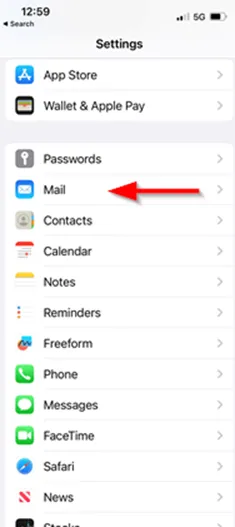
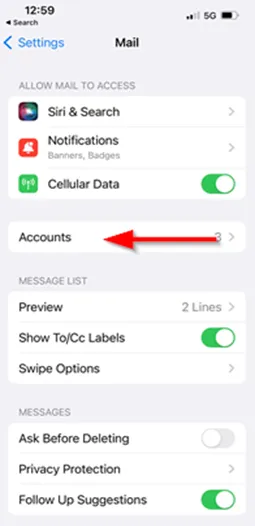
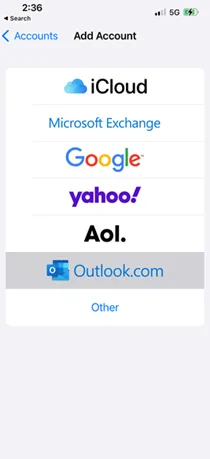
1. To begin, on the Home Screen tap on Settings, Mail, Accounts and finally Add Account.
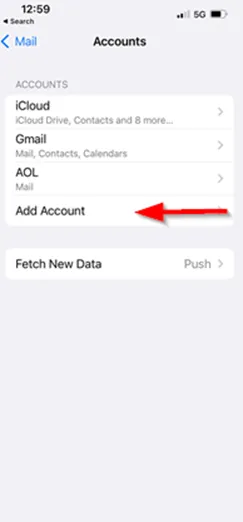
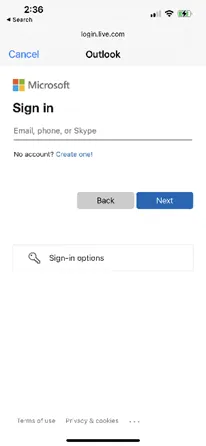
2. Select Outlook.com and fill in your Email address and password. Tap Next.
3. From here, the phone will auto-configure your mail settings.
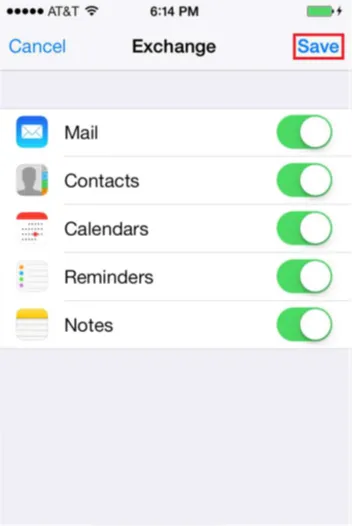
4. Select the services that you wish to sync with the Exchange Server. Tap Save and you are all set!