1. Log onto the 3020 Mini Management PC
Note: You must be on the SDHS domain to edit in Cisco Unity. Logging into 3020 Mini is only necessary when not on site.
2. Use CTAC credentials to Log in
3. On the web browser, log into 10.20.55.12
4. Login with admin credentials
5. Select Users on the menu on the left
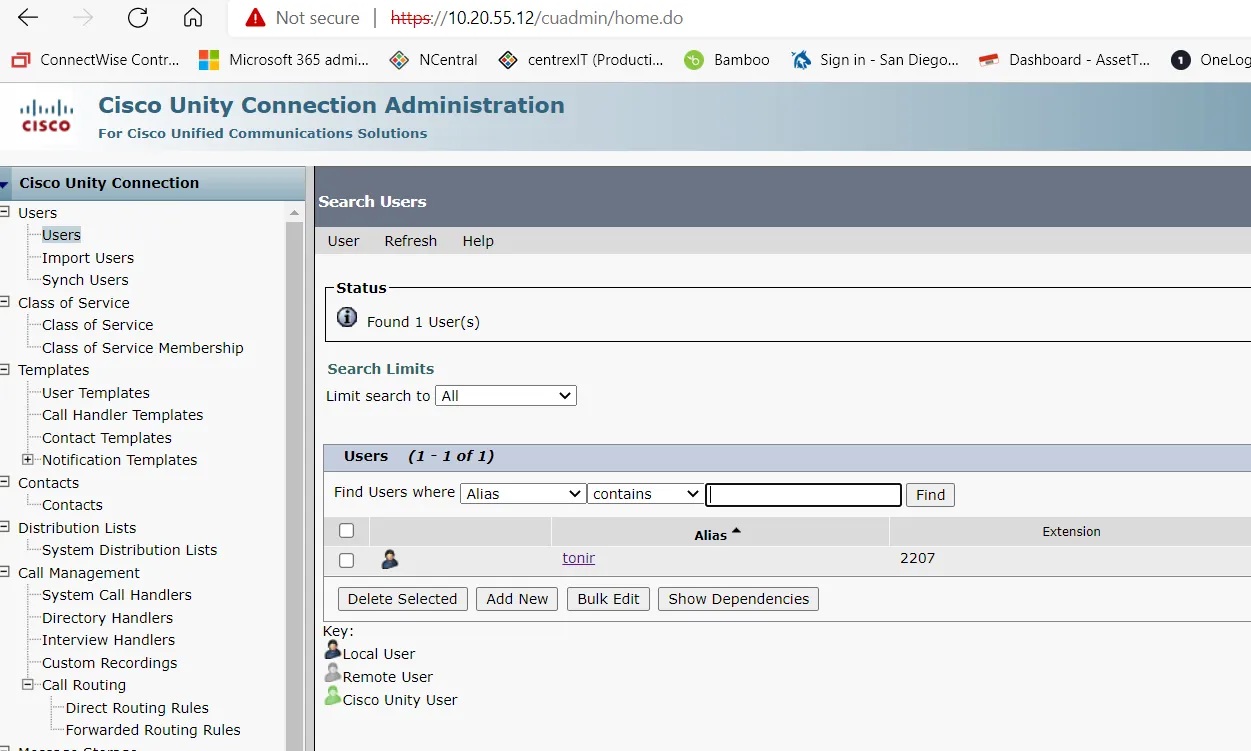
6. Search for User -> Select User
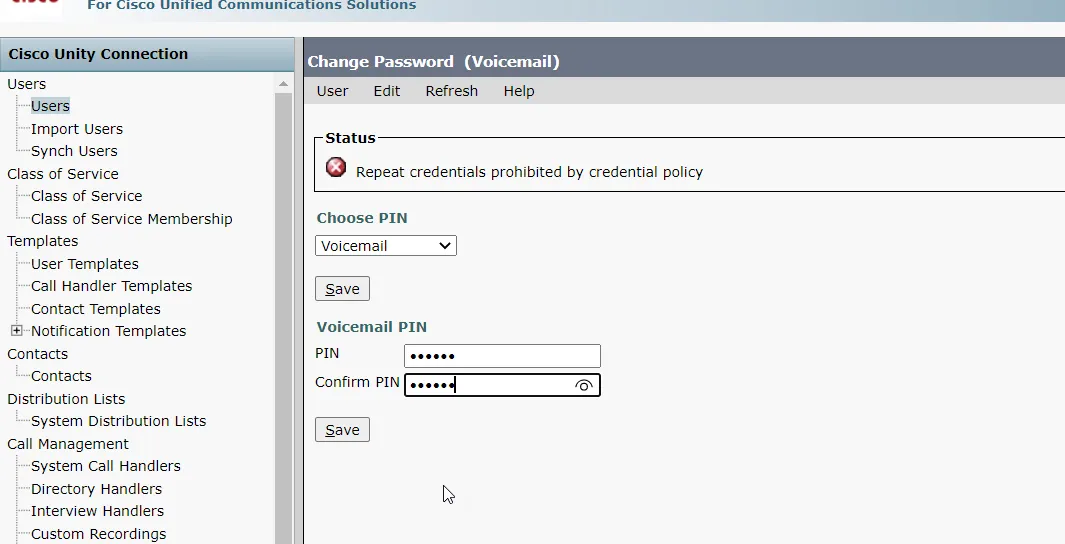
7. Select Edit -> Change Password
8. Select Choose Pin -> Voicemail PIN
9. Enter new PIN, re-enter it in the Confirm Pin box, then click Save