How to Install VMware Carbon Black Cloud Endpoint
Section titled “How to Install VMware Carbon Black Cloud Endpoint”Summary: VMware Carbon Black Cloud Endpoint can be installed by following these instructions for Windows
Download and Double-click installer_vista_win7_win8_[BIT]_[VERSION].msi.
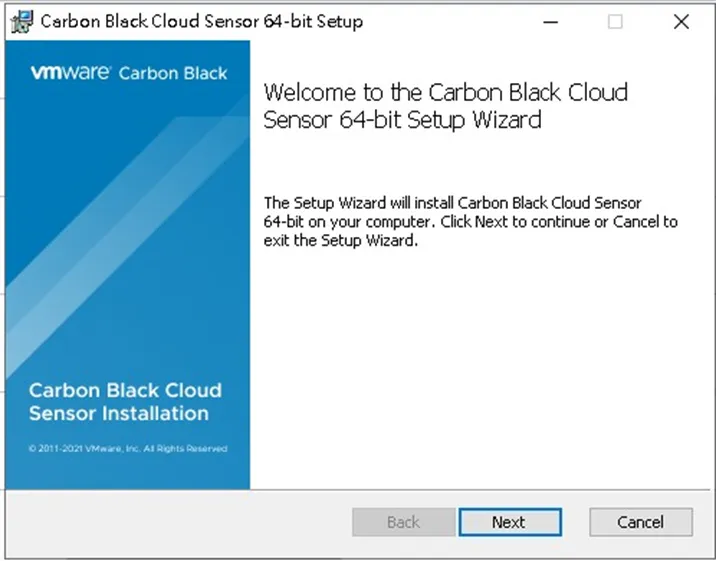
In the Setup UI, click Next.
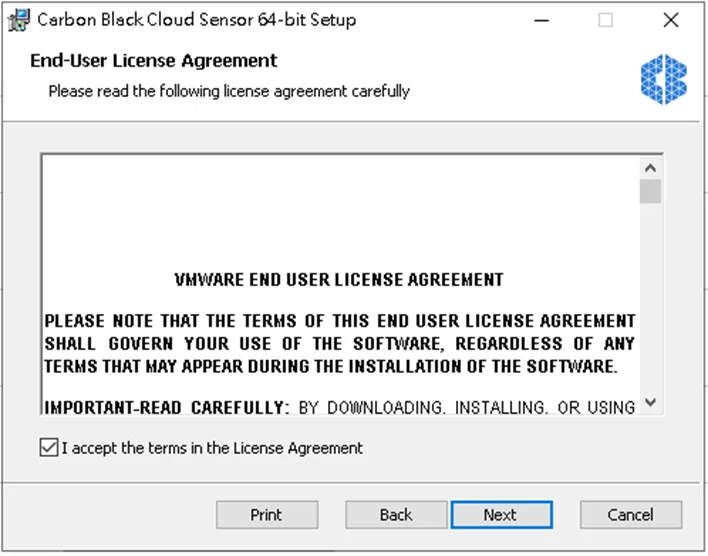
Accept the terms in the License Agreement and then click Next.
Enter the Activation Code
LY4LCDC7WWGBKIC5WM@
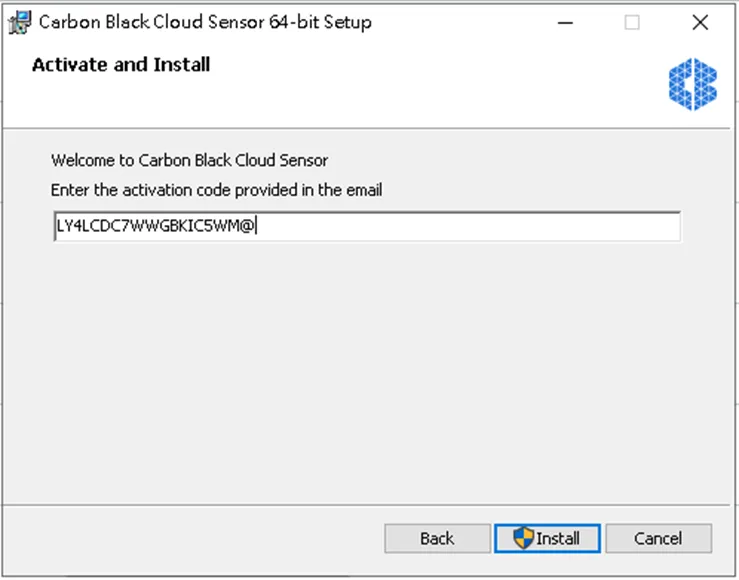
Populate the activation code and then click Install.
**If User Account Control (UAC) is enabled, click Yes. Otherwise, proceed to Next Step .
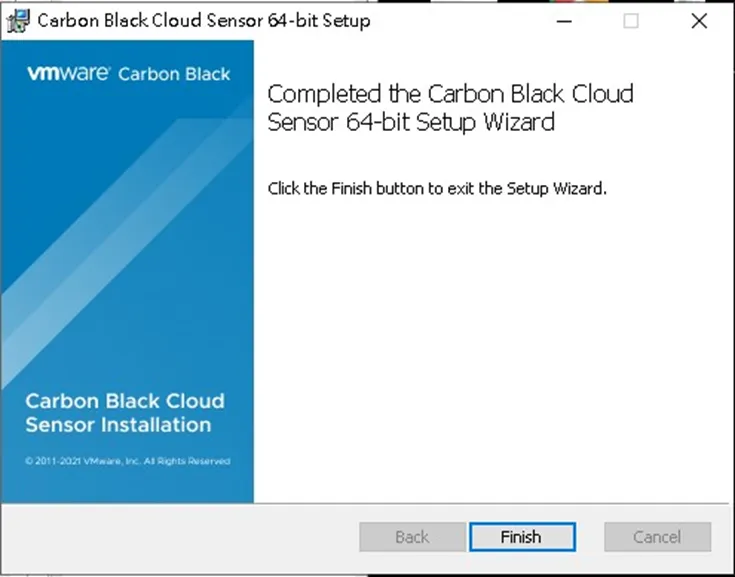
Click Finish.