The centrexIT swag store helps us get in-stock swag to employees anywhere in the US in a timely manner.
Typical orders for employees include sending a new-hire gift box to a new employee, and sending new uniform shirts periodically to team members who are onsite at client locations.
The swag store is set up so discount codes can be used for employees for different use-cases. This helps accounting track where the orders are going.
Basic Employee Order
Section titled “Basic Employee Order”centrexIT prides itself on providing branded uniform shirts to employees when their uniforms age or wear out. Additionally, occasionally other swag items, such as hats, are sent to employees as gifts. Appropriate ordering codes for each type of item are programed into the system for tracking purposes.
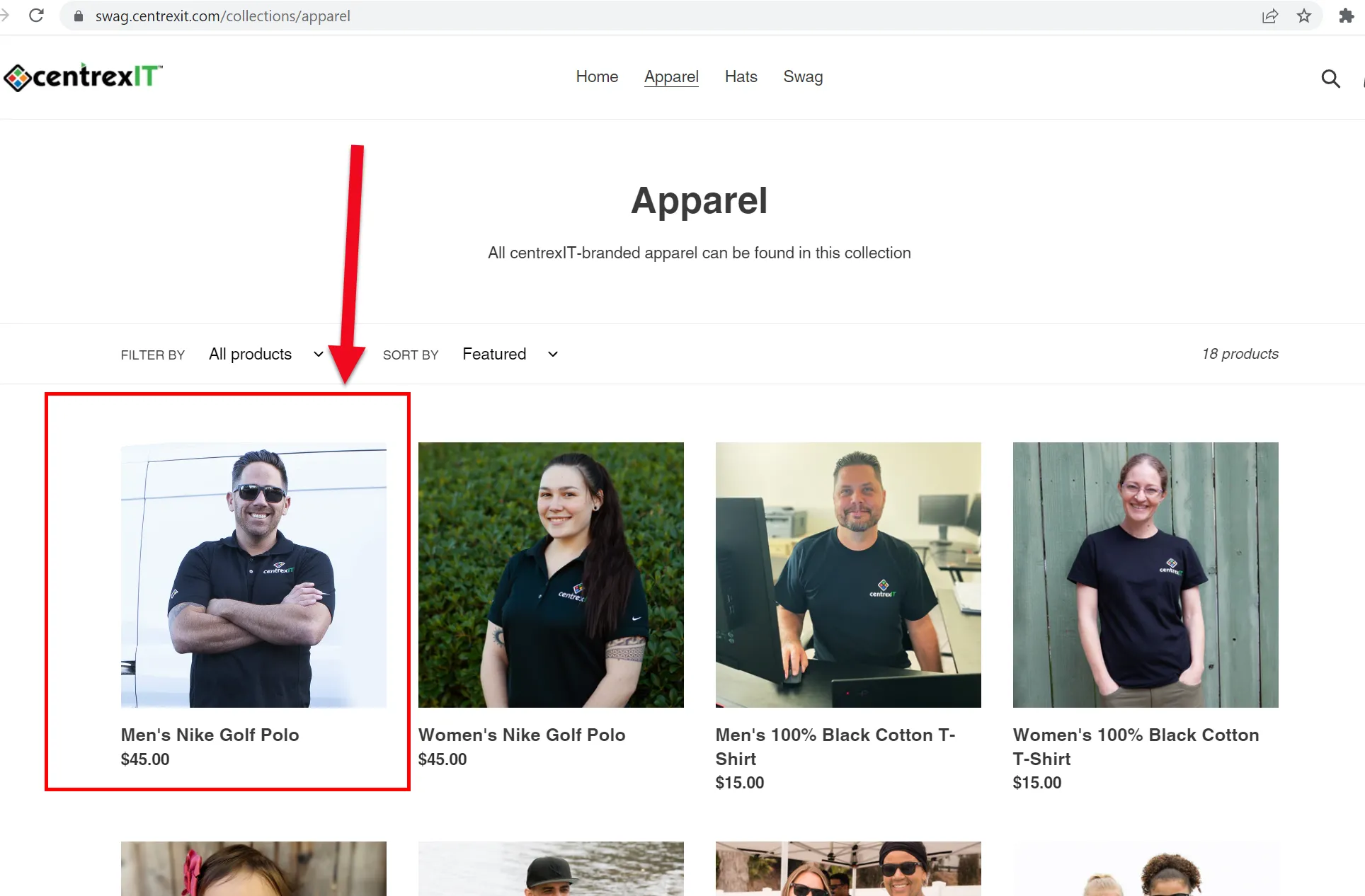
In this example it’s shown how to order a uniform shirt for an employee (in this case a centrexIT-branded polo shirt).
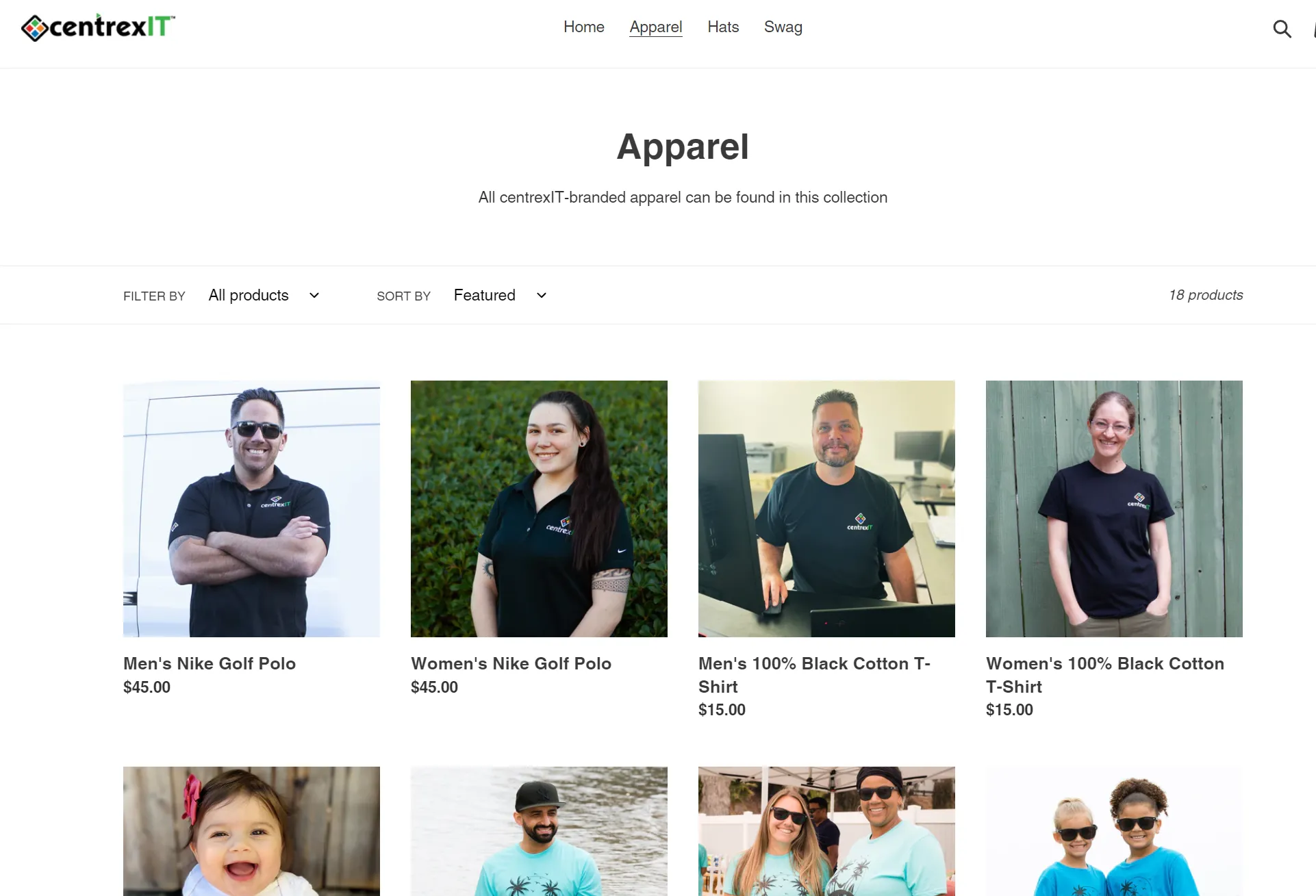
- Go to swag.centrexIT.com and visit the apparel page. https://swag.centrexit.com/collections/apparel The branded polo shirts have been organized so they appear first in the page:
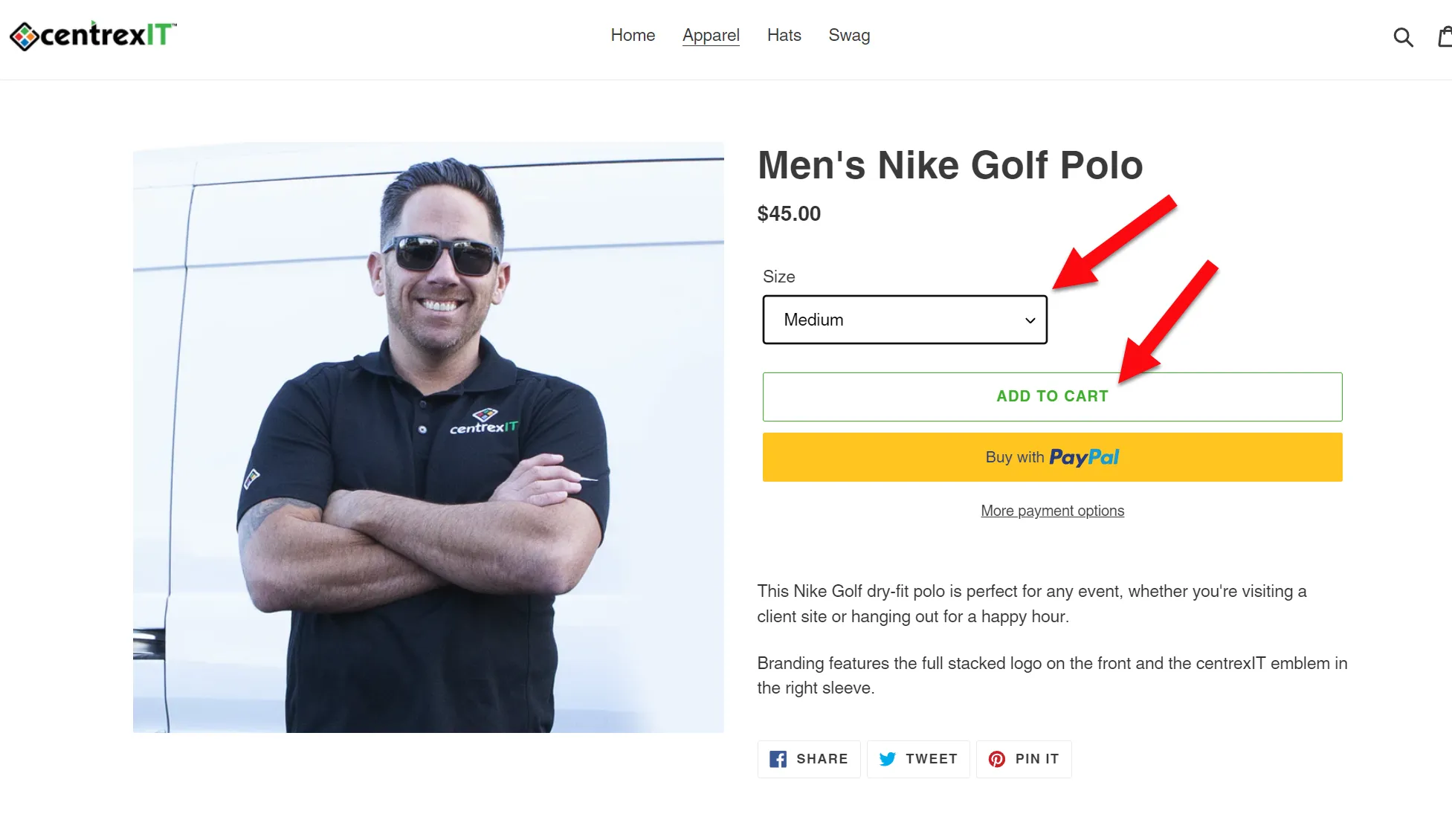
- Select the size you need and select “Add to Cart”
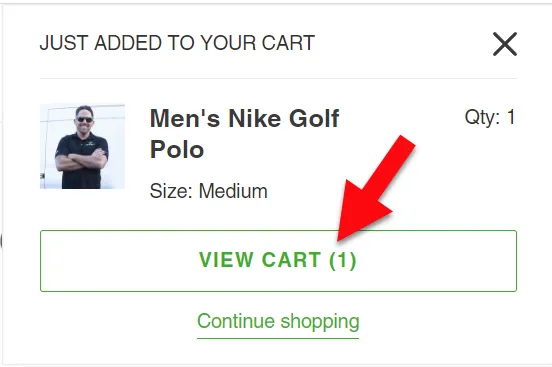
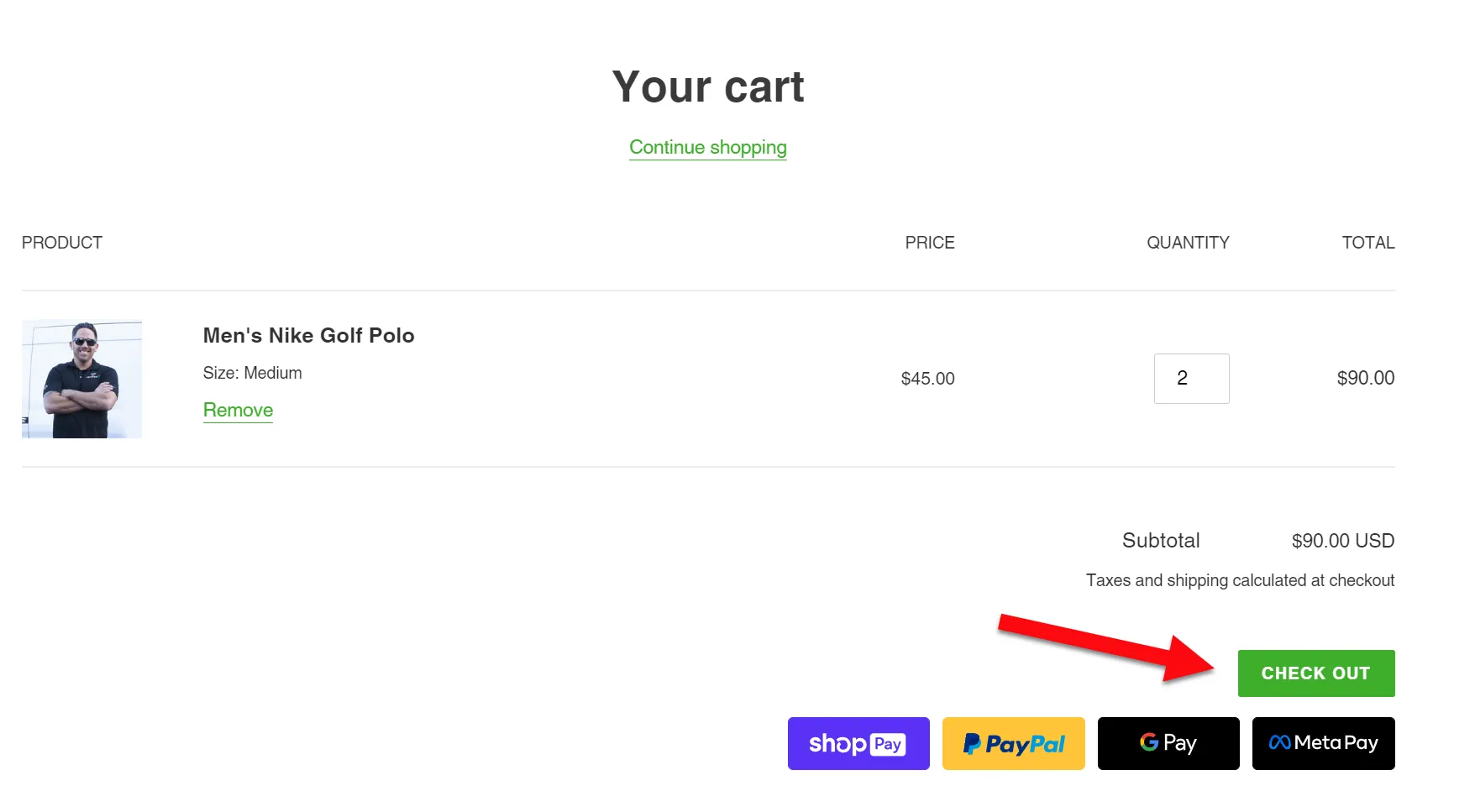
- View your cart
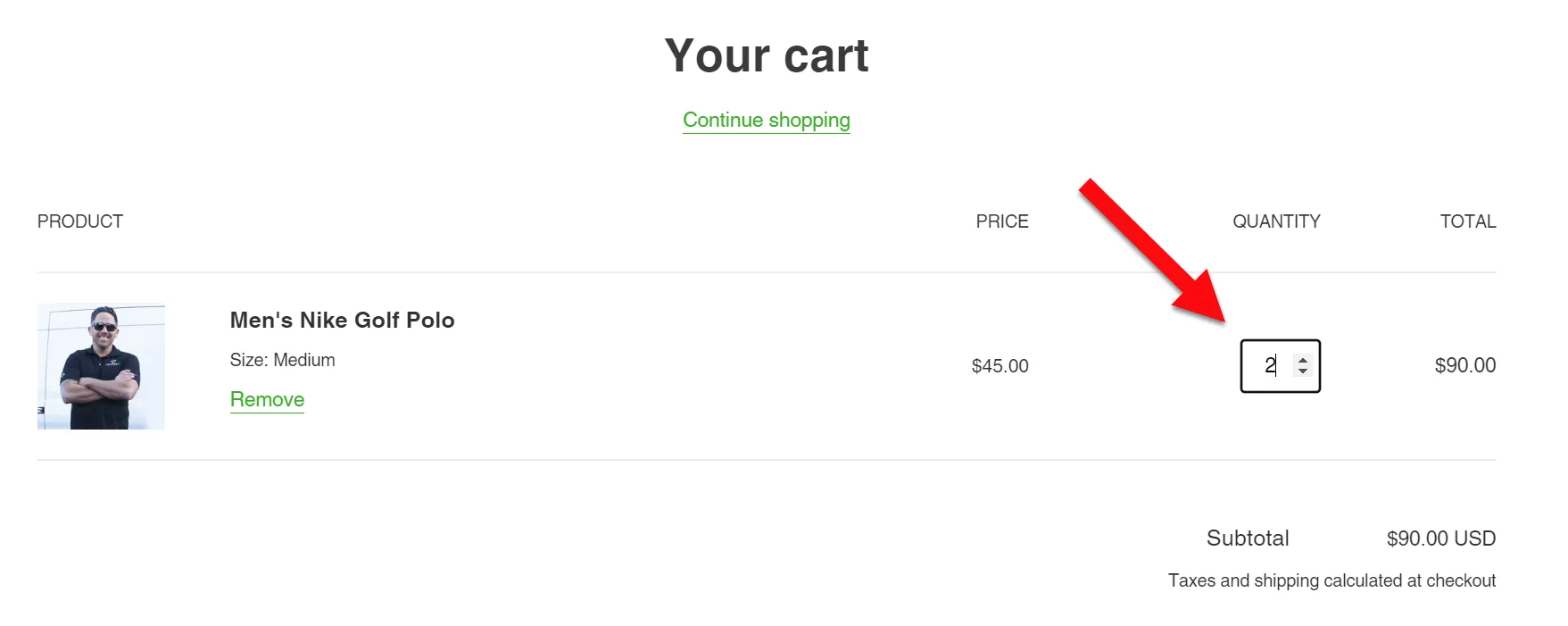
- If you need more than one shirt, adjust the quantity in the cart
- Select “Check Out”
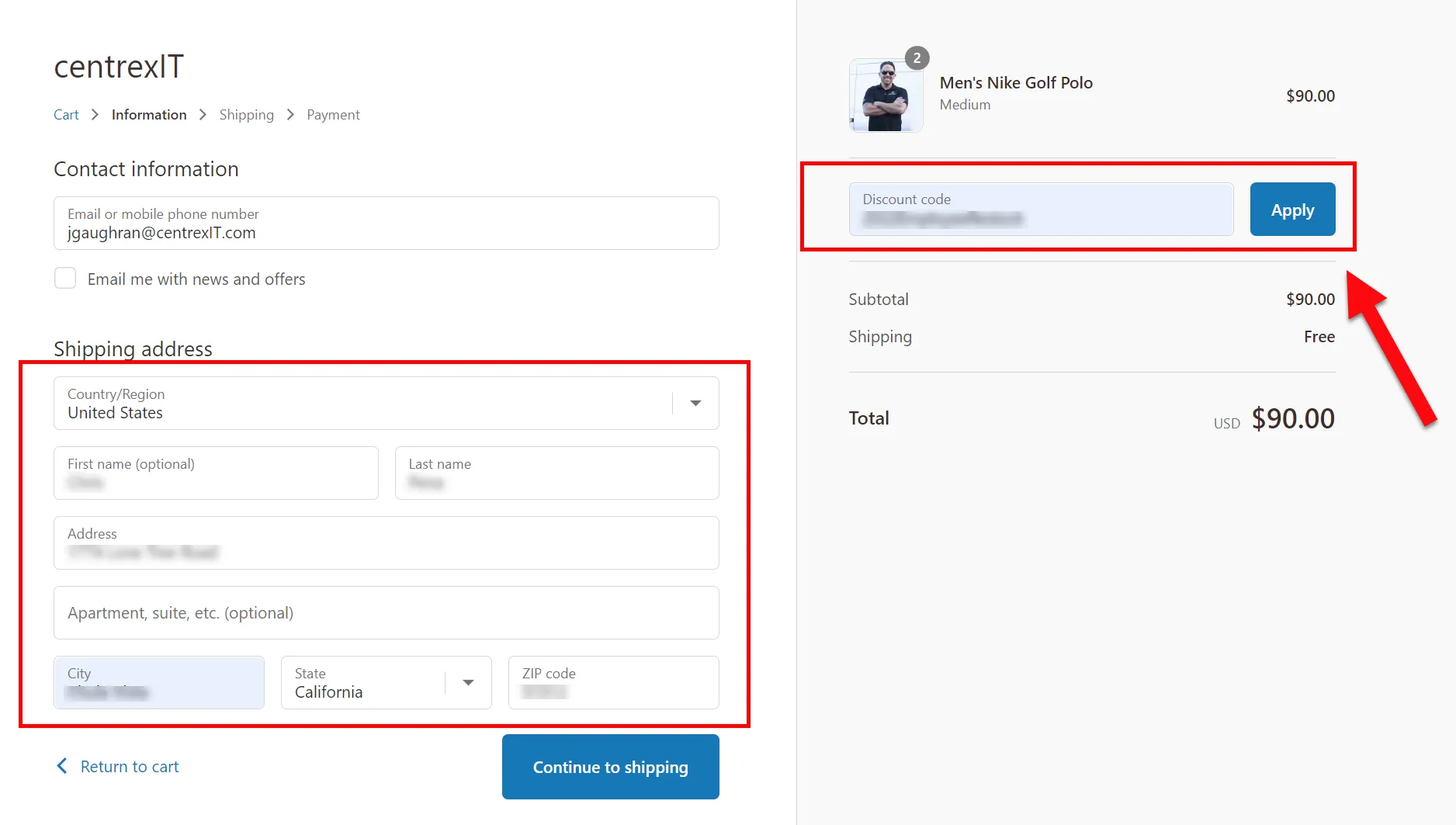
- Add the employee’s shipping address on the left side. If you are the one tracking the shipment, add your own email address. On the right side, add the appropriate discount code and select “apply”
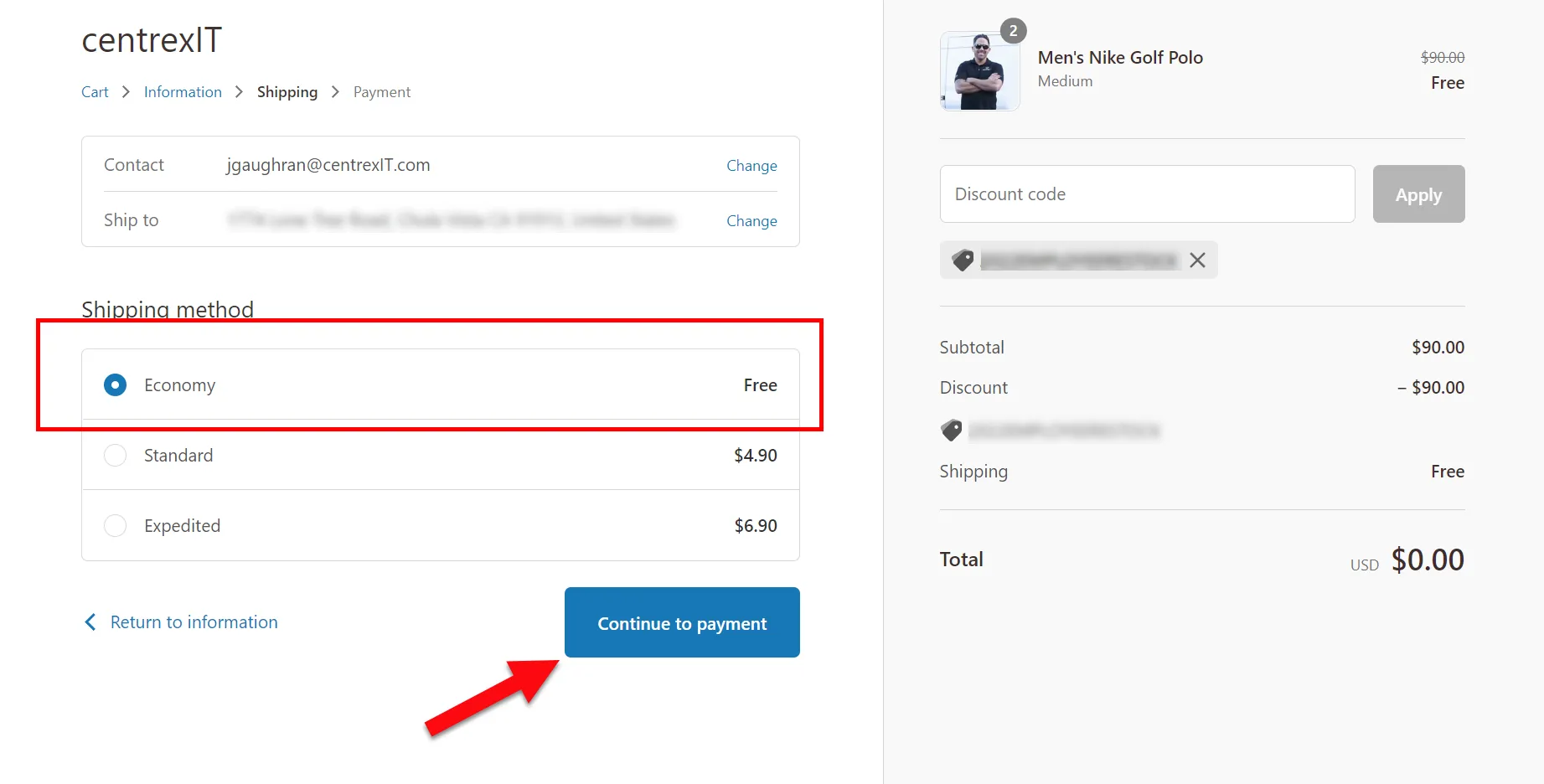
- The discount code will give a 100% discount to the order. Select “Economy” as the shipping method , then select “Continue to Payment”
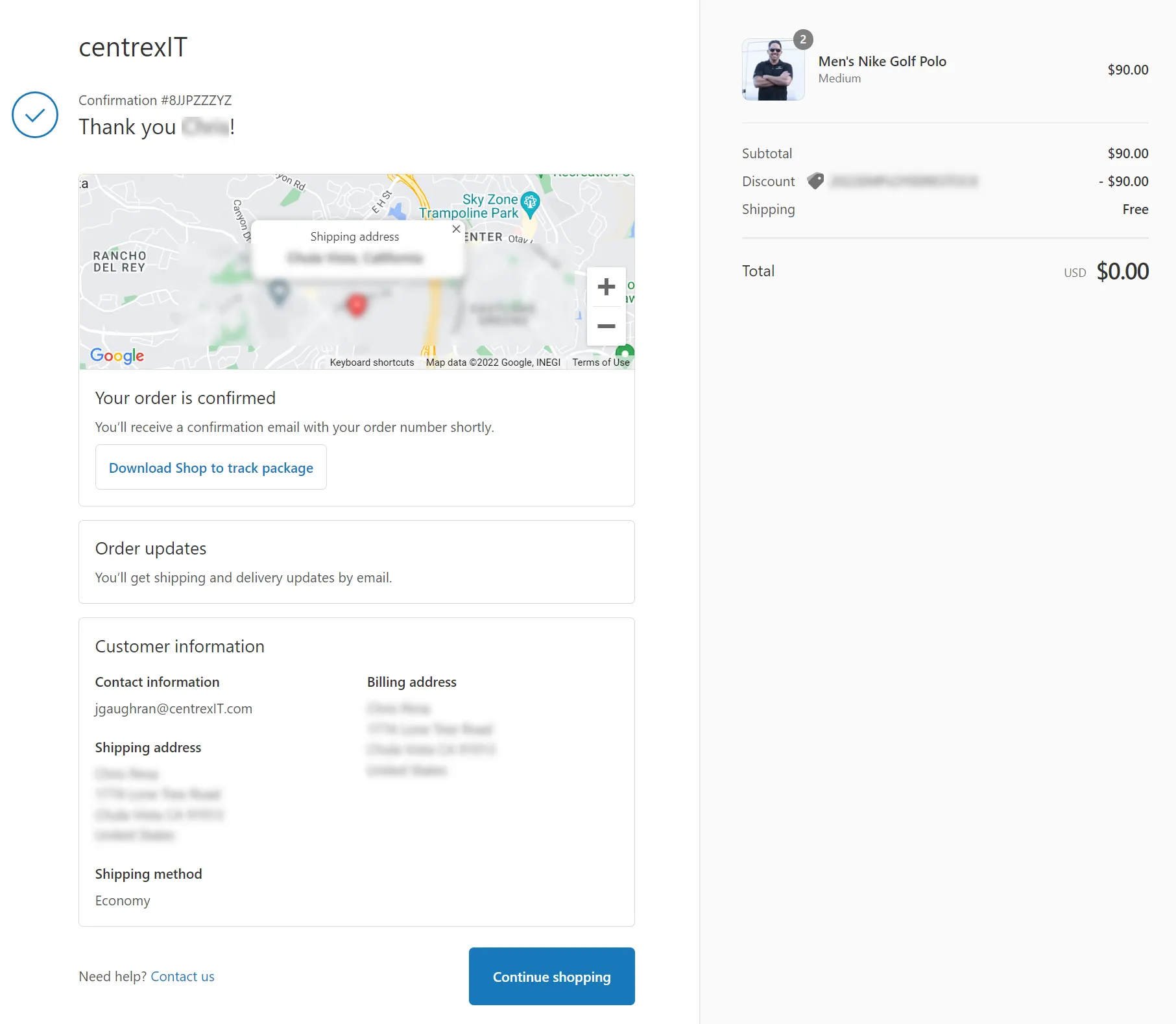
- You’ll see an order confirmation page. Select “Complete Order”
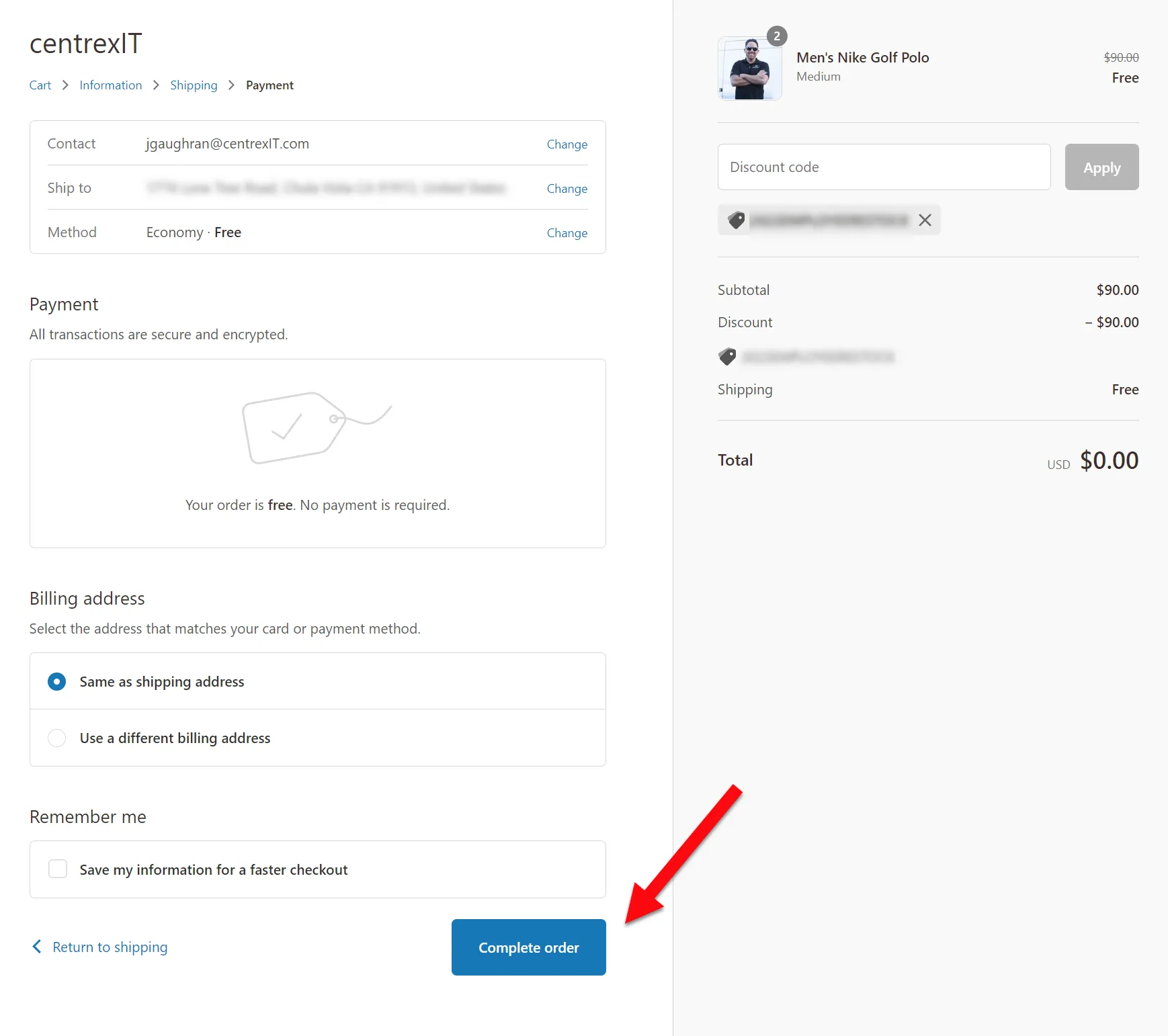
- It’s recommended that you take a screenshot of the order confirmation page just in case you need to refer back to the confirmation number, etc later.
New-Hire Bundle Order
Section titled “New-Hire Bundle Order”The centrexIT New-Hire Bundle is pre-packed with all new hire item EXCEPT for the shirt. Since everyone wears a different shirt size, we put the shirt and the Bundle on the same order and our distribution warehouse puts the shirt into the pre-packed box right before they ship it out.
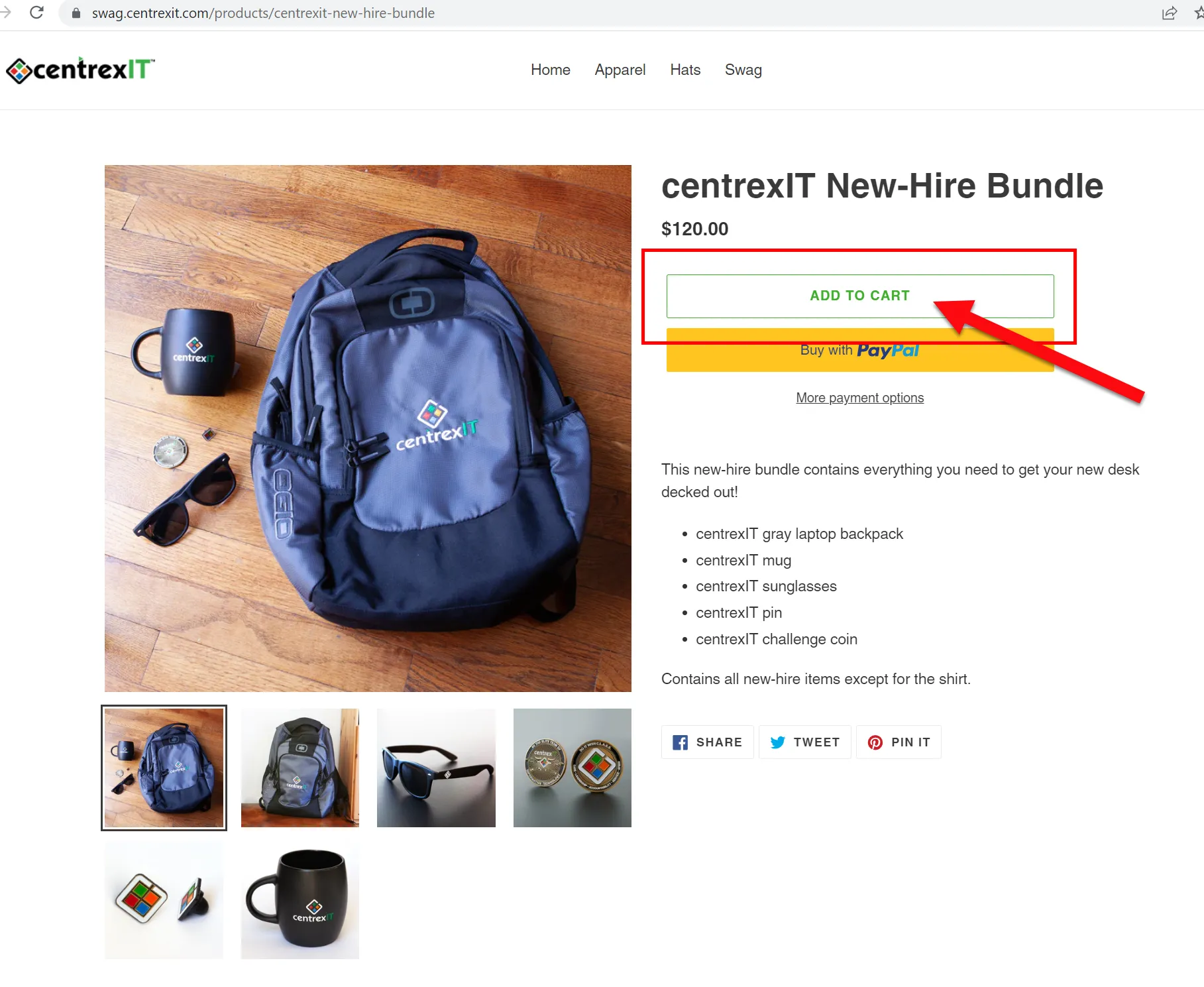
- Go to https://swag.centrexit.com/products/centrexit-new-hire-bundle and Add to Cart
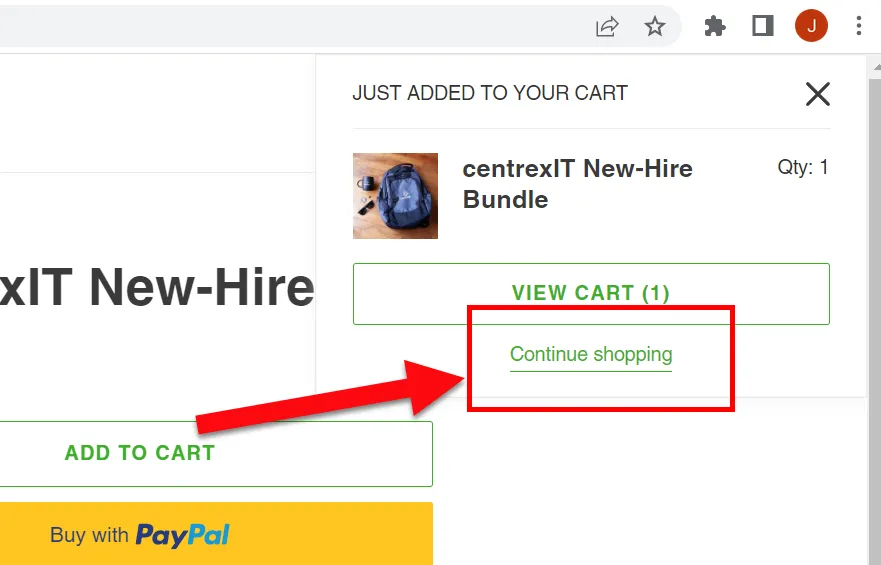
- Select “Continue Shopping” so you can add the shirt
- Navigate the Apparel page and select the appropriate shirt you need for the new hire
- Once both the New-hire Bundle and shirt are in your shopping cart, check out following the same process above. Use the special discount code specifically for New Hires.