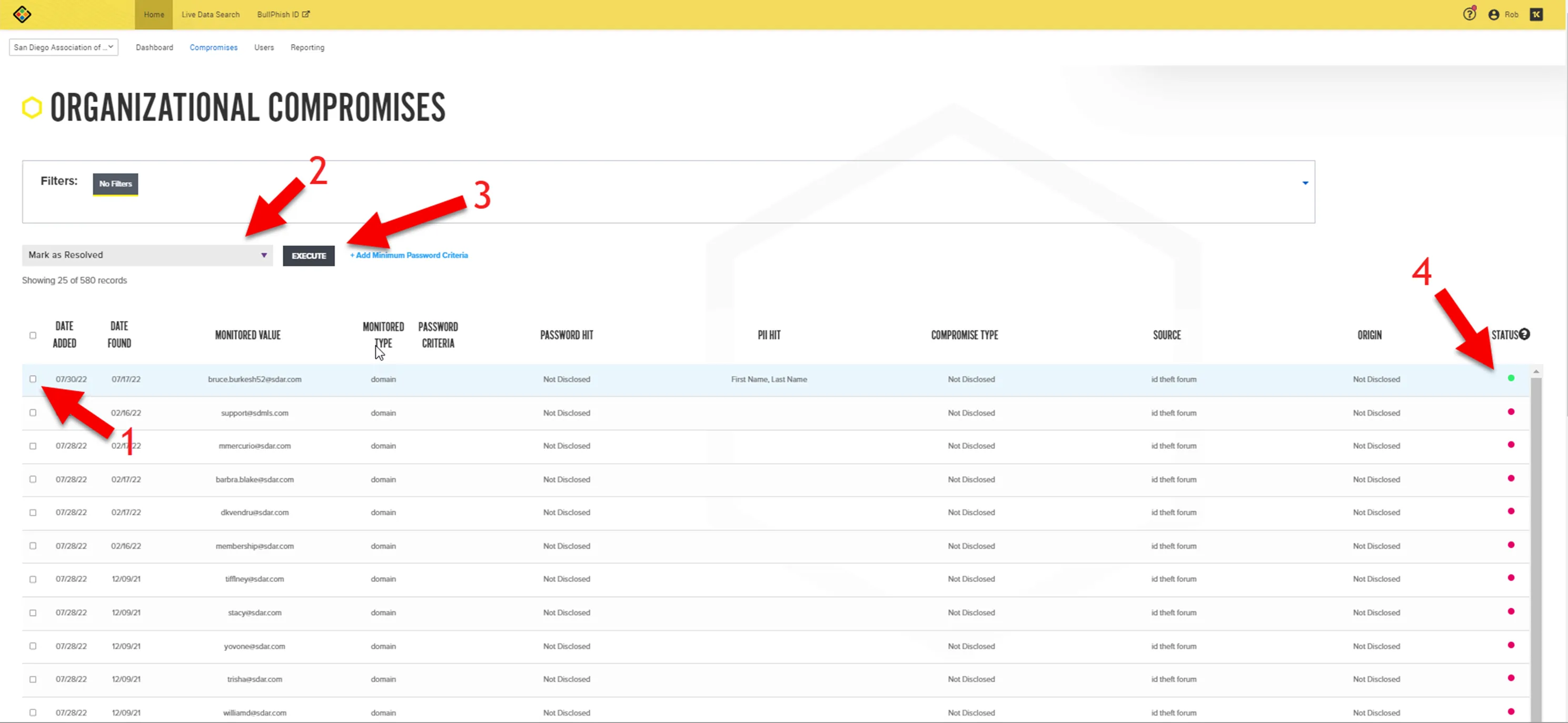
Example Email Notification received:
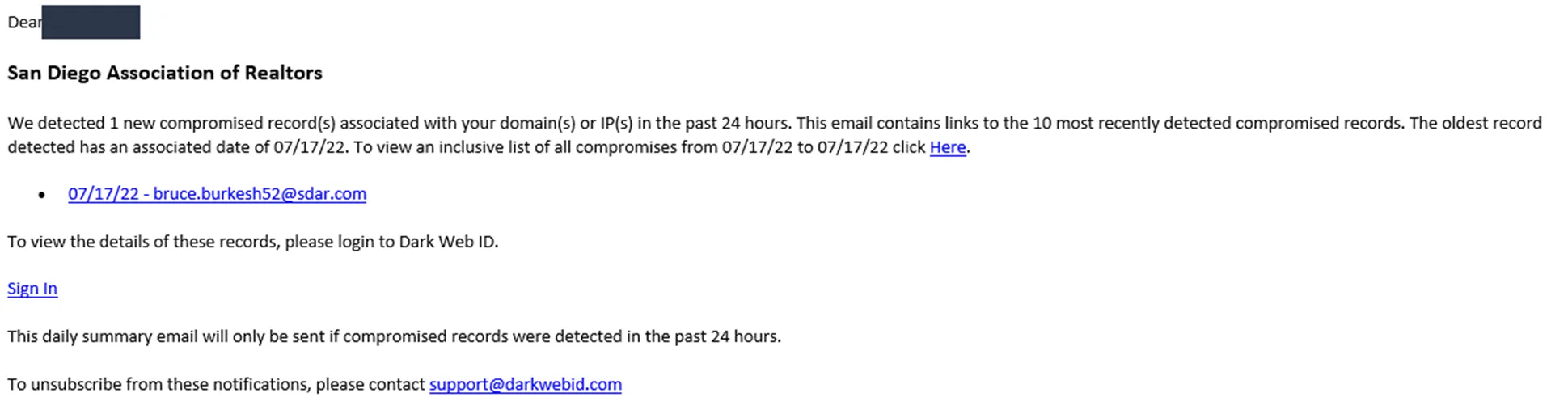
Log into Dark Web ID. MFA is required (CentrexIT)
URL: https://secure.darkwebid.com/user/login?destination=/home
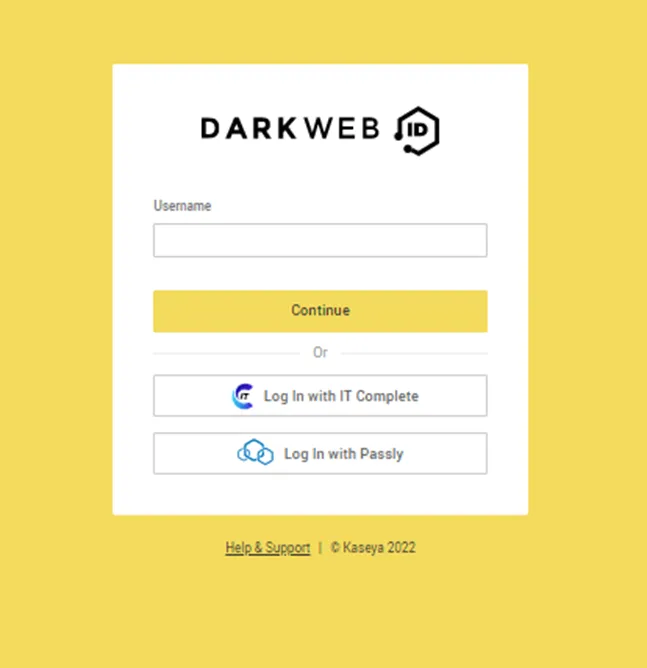
At the DarkWebID dashboard, scroll down to ORGANIZATIONS. Click on the respected client detected from the email notification.
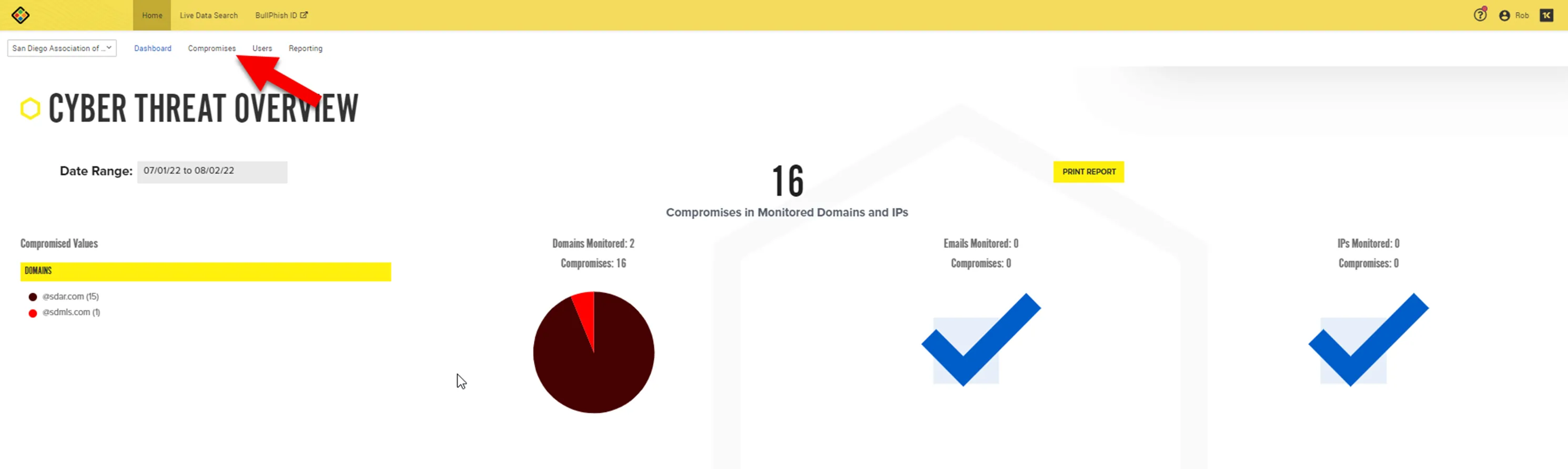
Inside the Client Dashboard, click on Compromises tab.
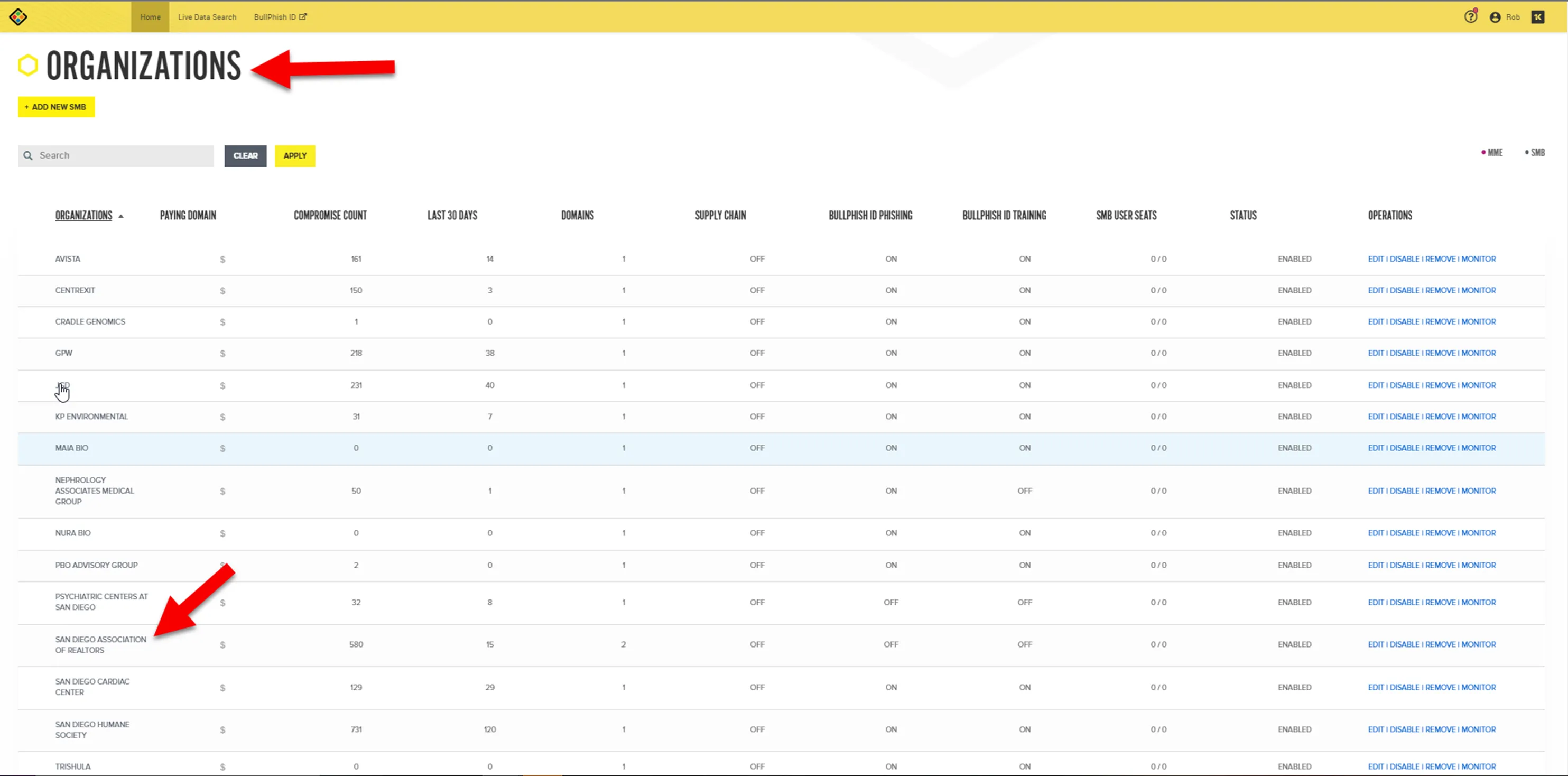
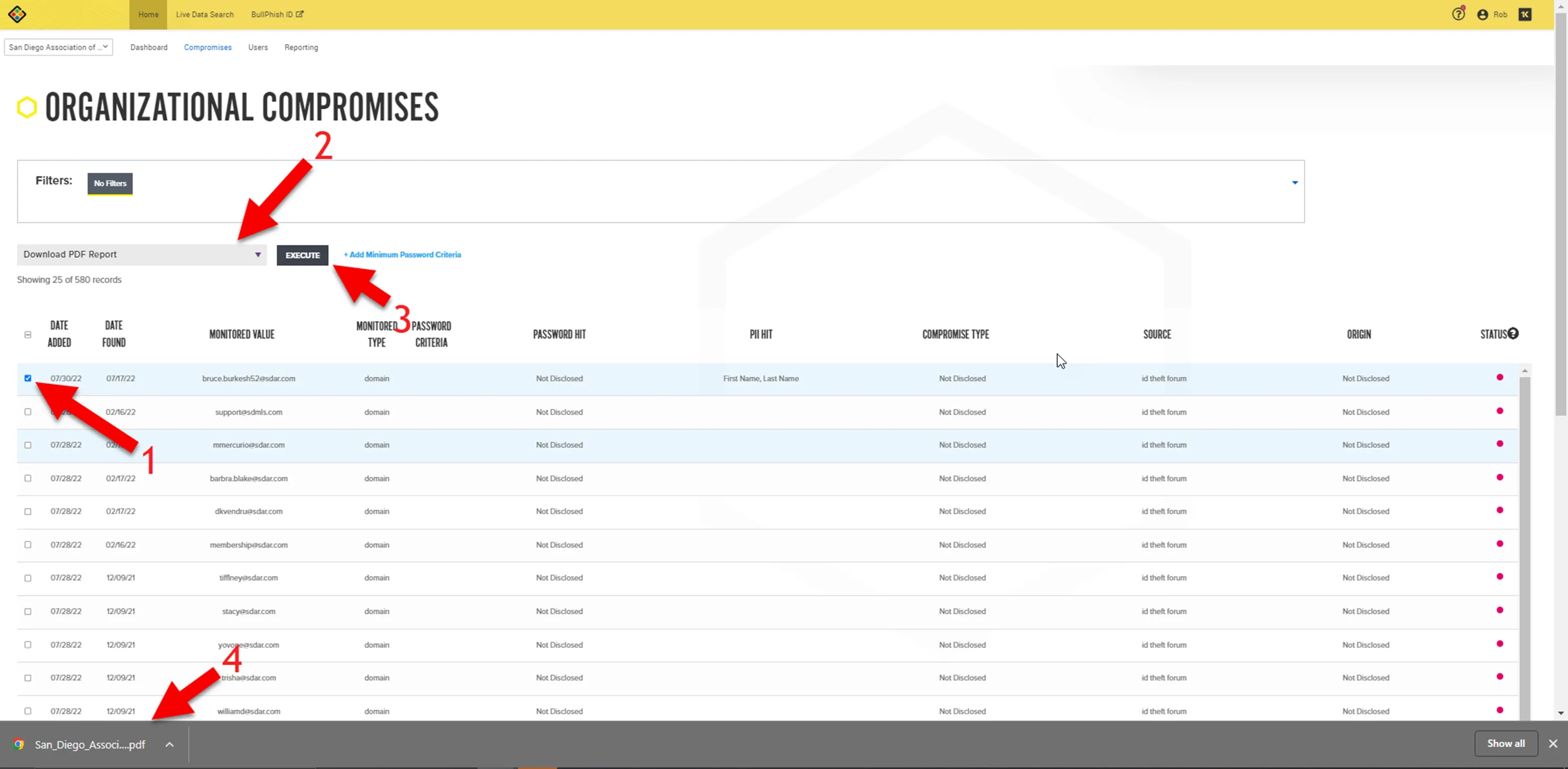
In the Organizational Compromises screen, (1) select the account, (2) select the action to download report, (3) execute the request, (4) Report is downloaded.
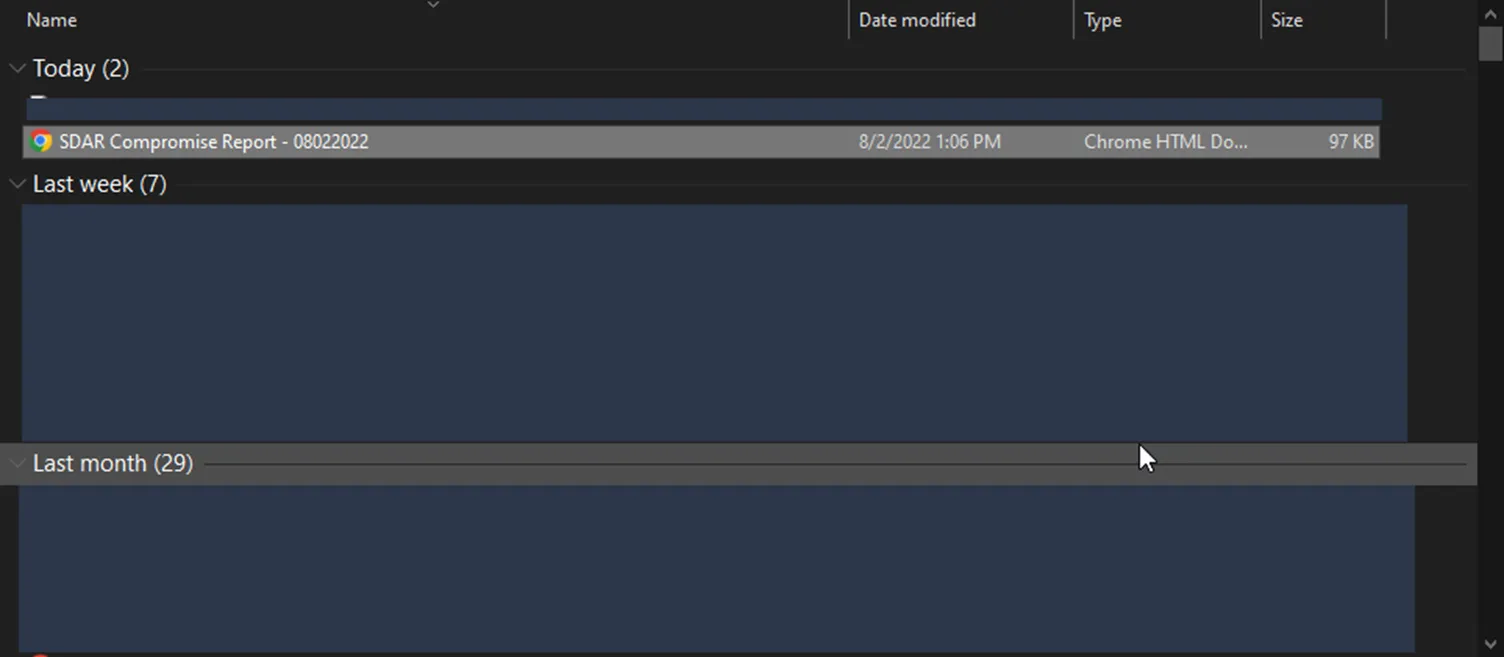
Rename file to
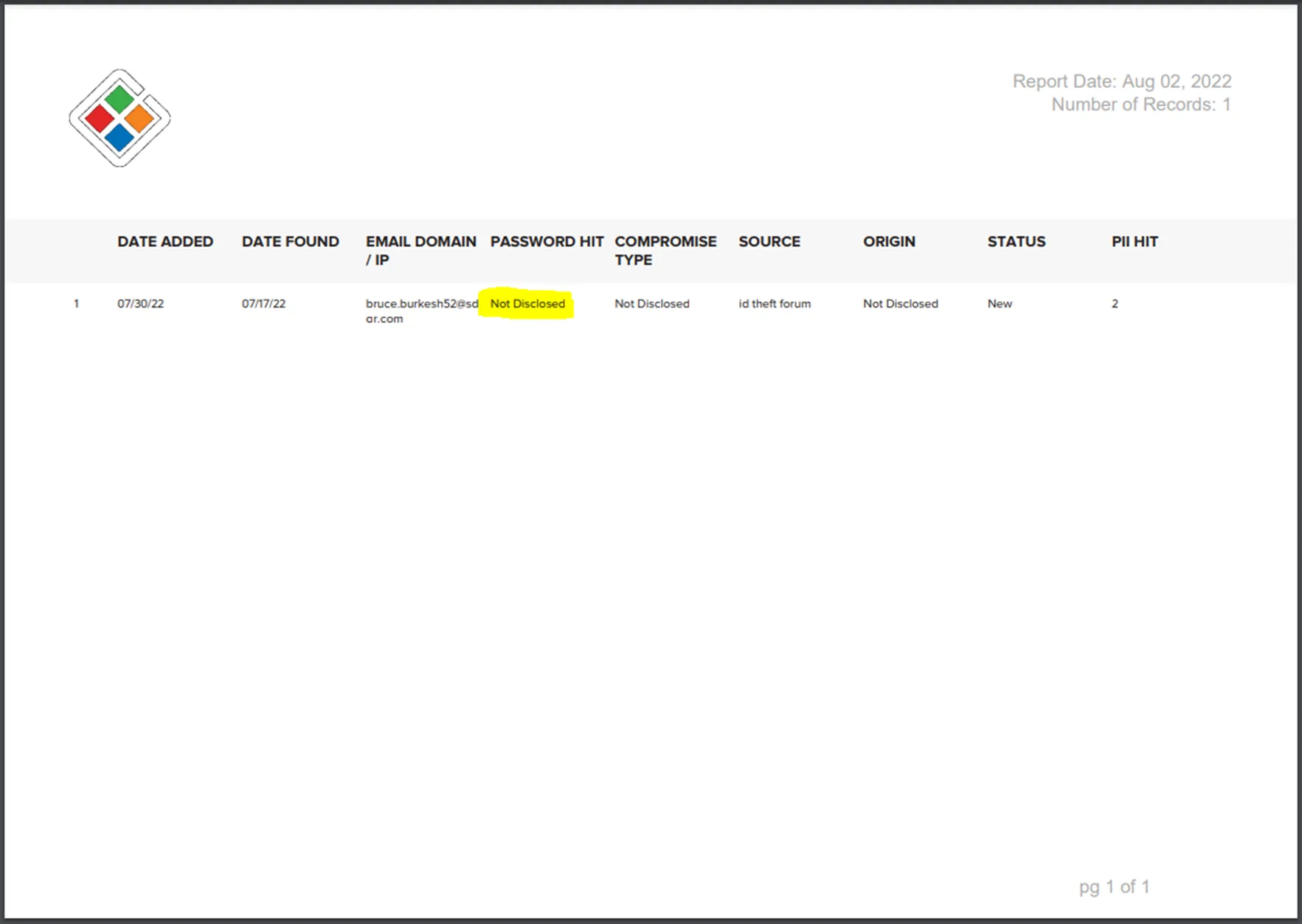
If you open up the report, details regarding the compromise will be available. Compromise Type will be needed when you compose the email to vITM/vCIO.
Compose Email to vITM/vCIO
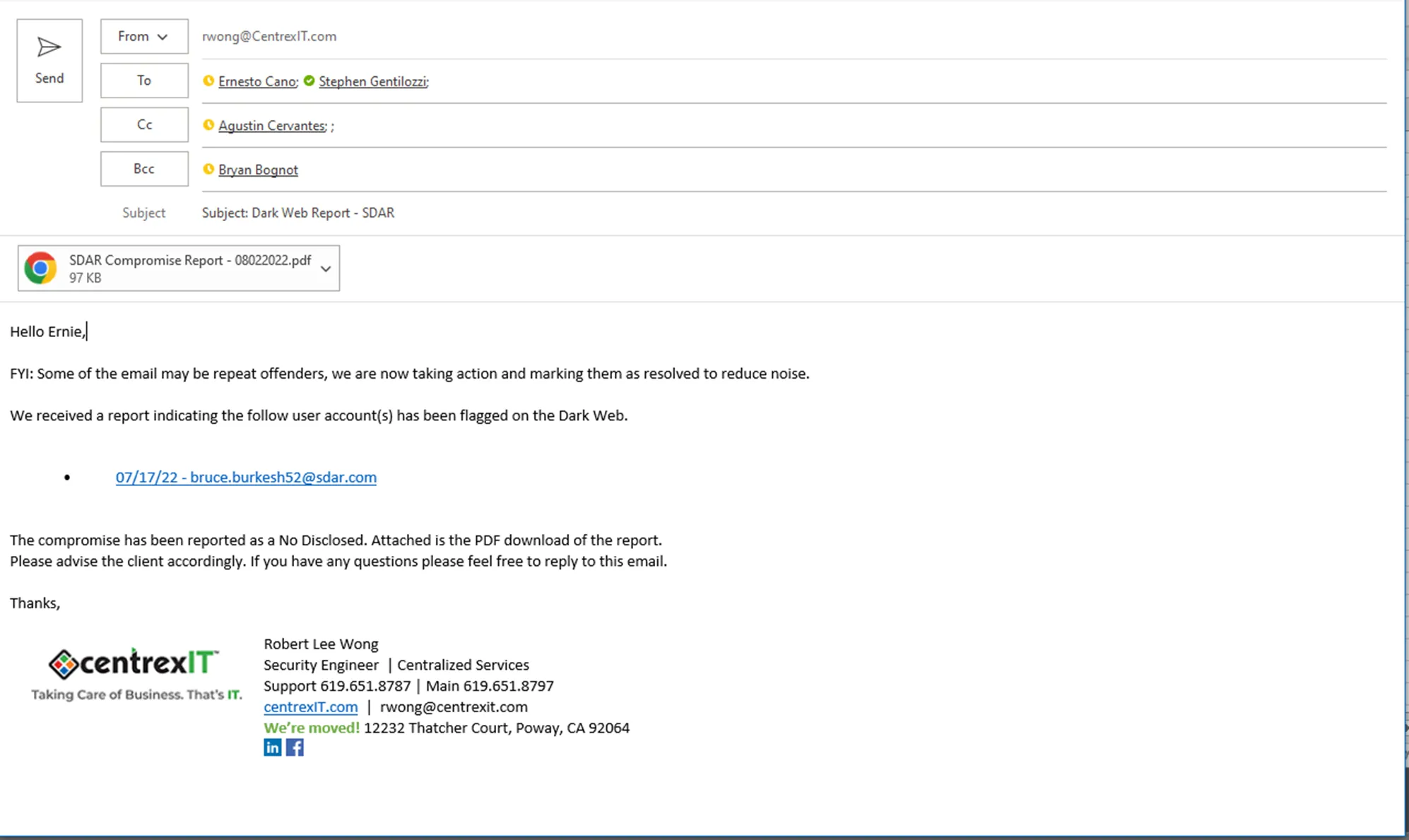
Example Email Template
Subject: Dark Web Report - clientname
Hello
FYI: Some of the email may be repeat offenders, we are now taking action and marking them as resolved to reduce noise.
We received a report indicating the follow user account(s) has been flagged on the Dark Web.
• username - company
The compromise has been reported as a
Please advise the client accordingly. If you have any questions please feel free to reply to this email.

Here is an example of the email going out to vITM/vCIO
After email has been sent, go back to Dark Web ID. (1) select the email account, (2) select Mark as Resolved, (3) Execute, (4) Status indicator will turn Green