How to Generate a Dark Web Monthly Report Manually
Reports should be automatically generated and sent out beginning of every month between the 1st and 4th. This usually is a special request.
Log into Dark Web
Dark Web ID URL: https://secure.darkwebid.com/reseller/17618
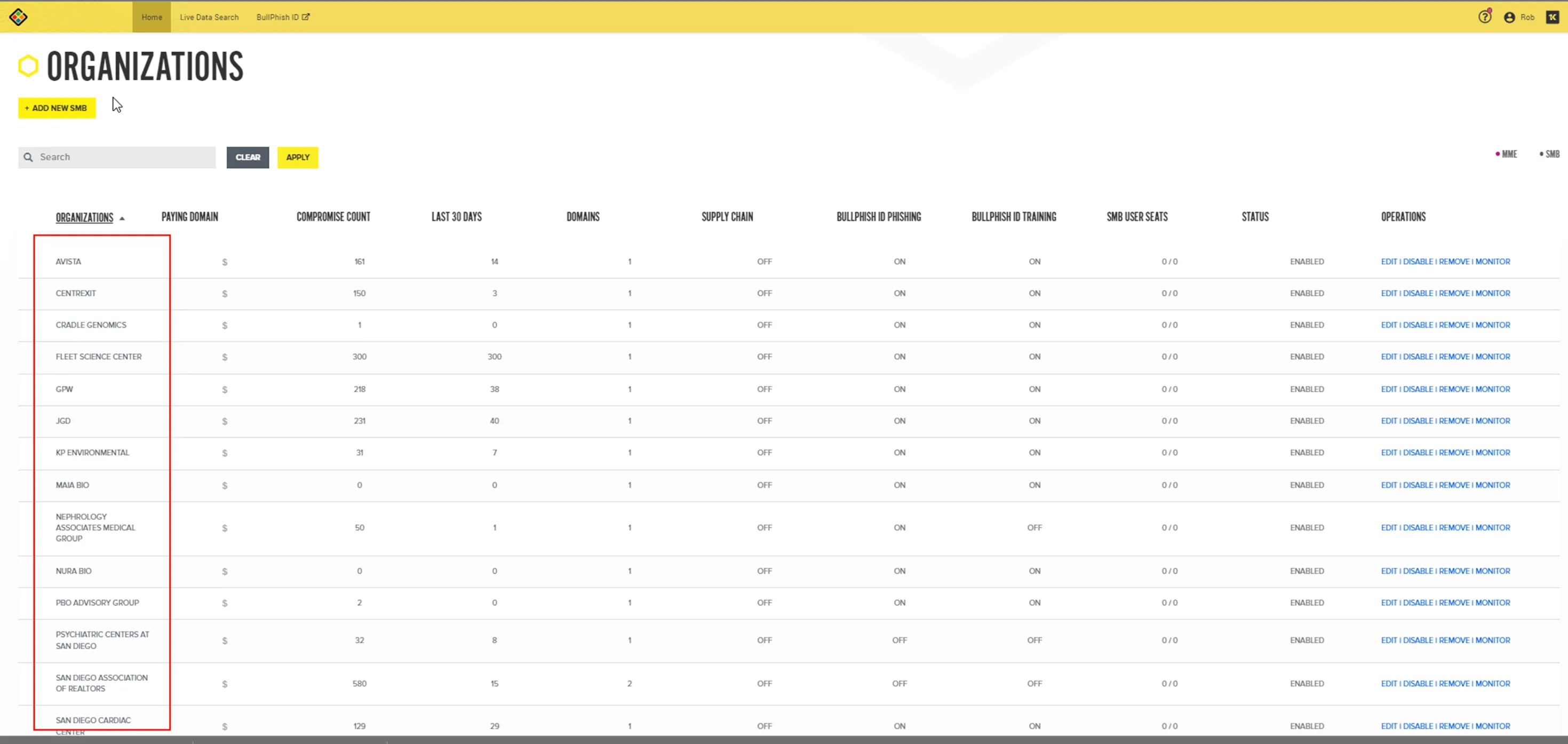
Scroll Down to Organization, select the client you want to run the report on
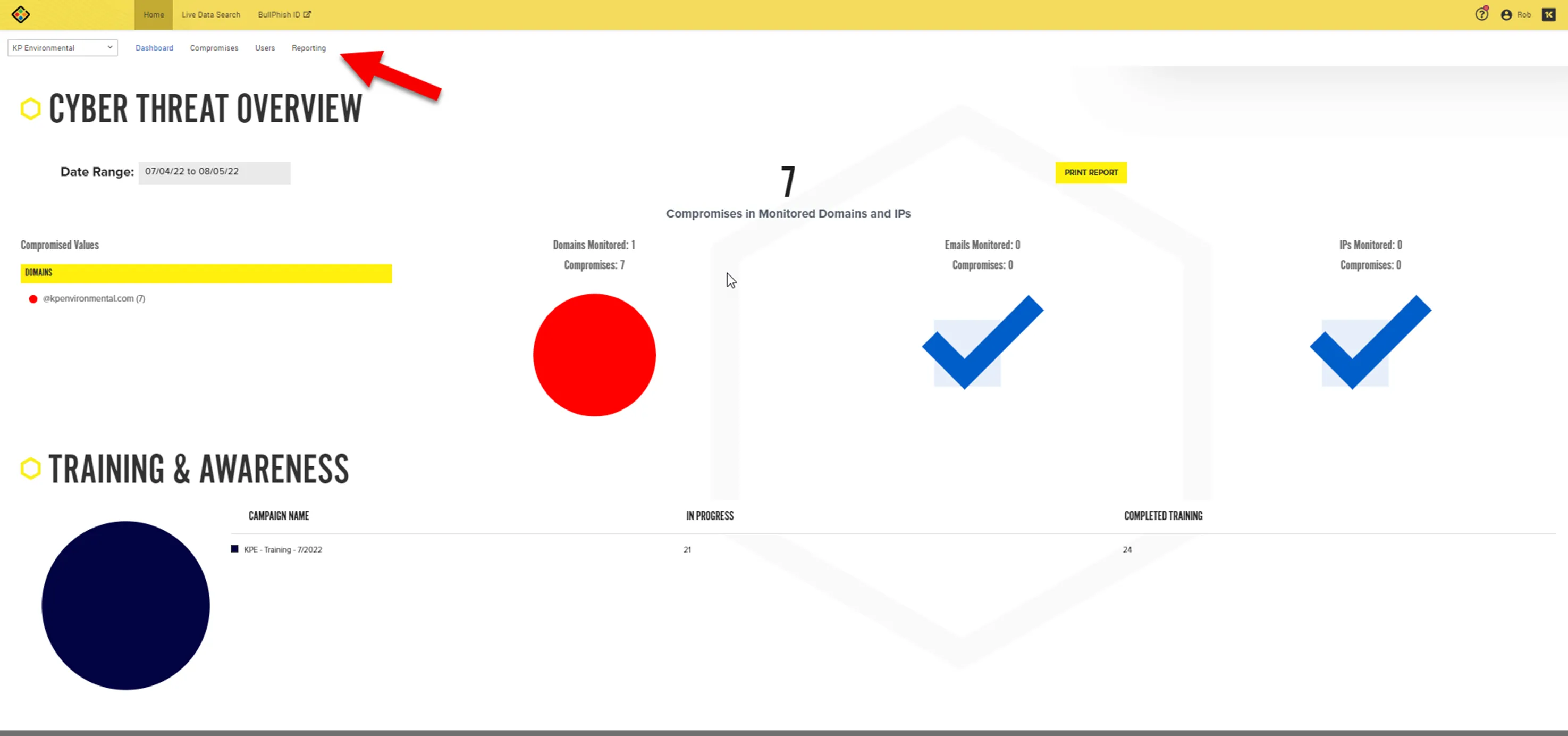
Click on Reporting
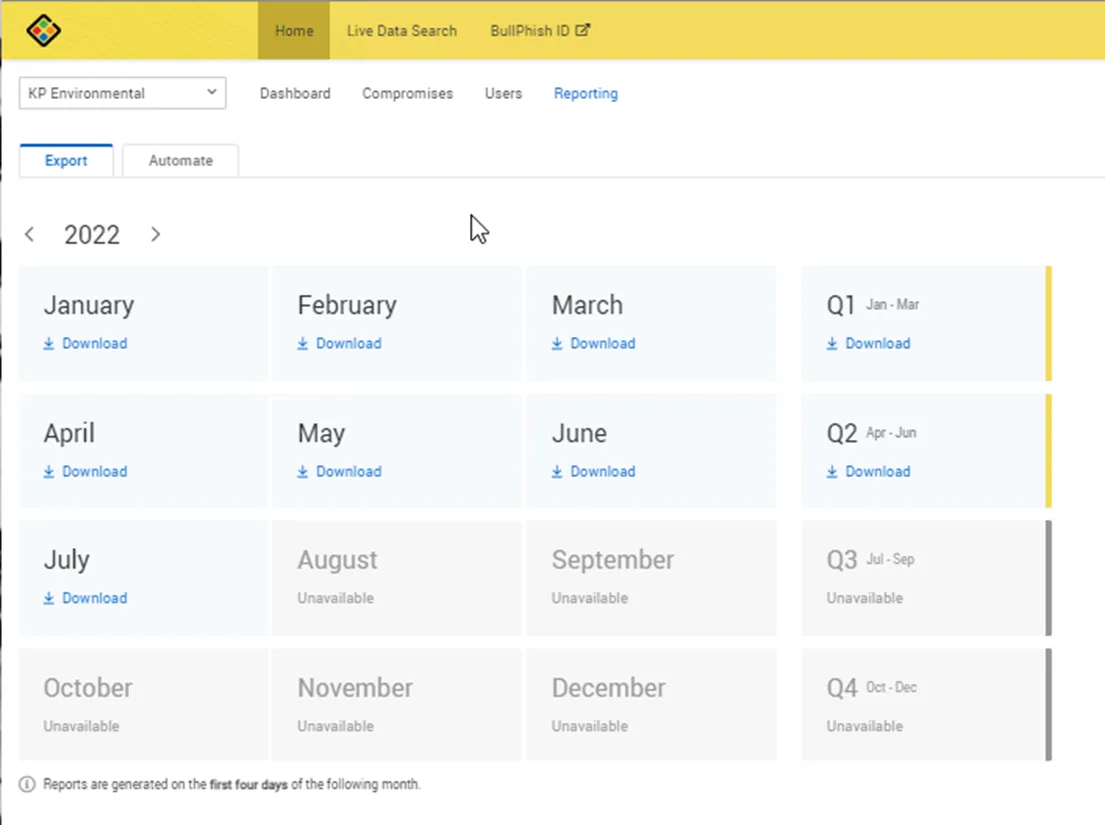
Select the month you would like to download
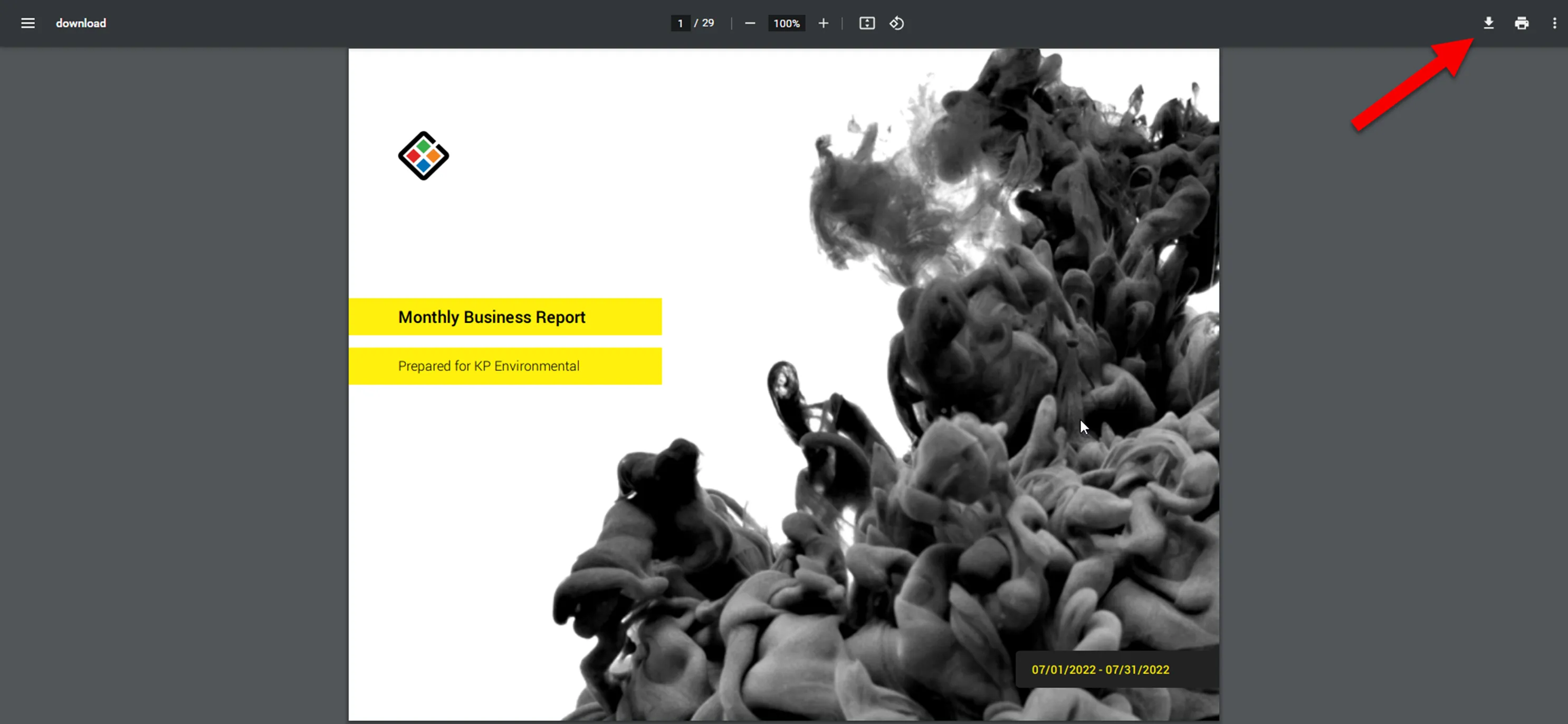
The PDF web version will open, select the download icon to execute download
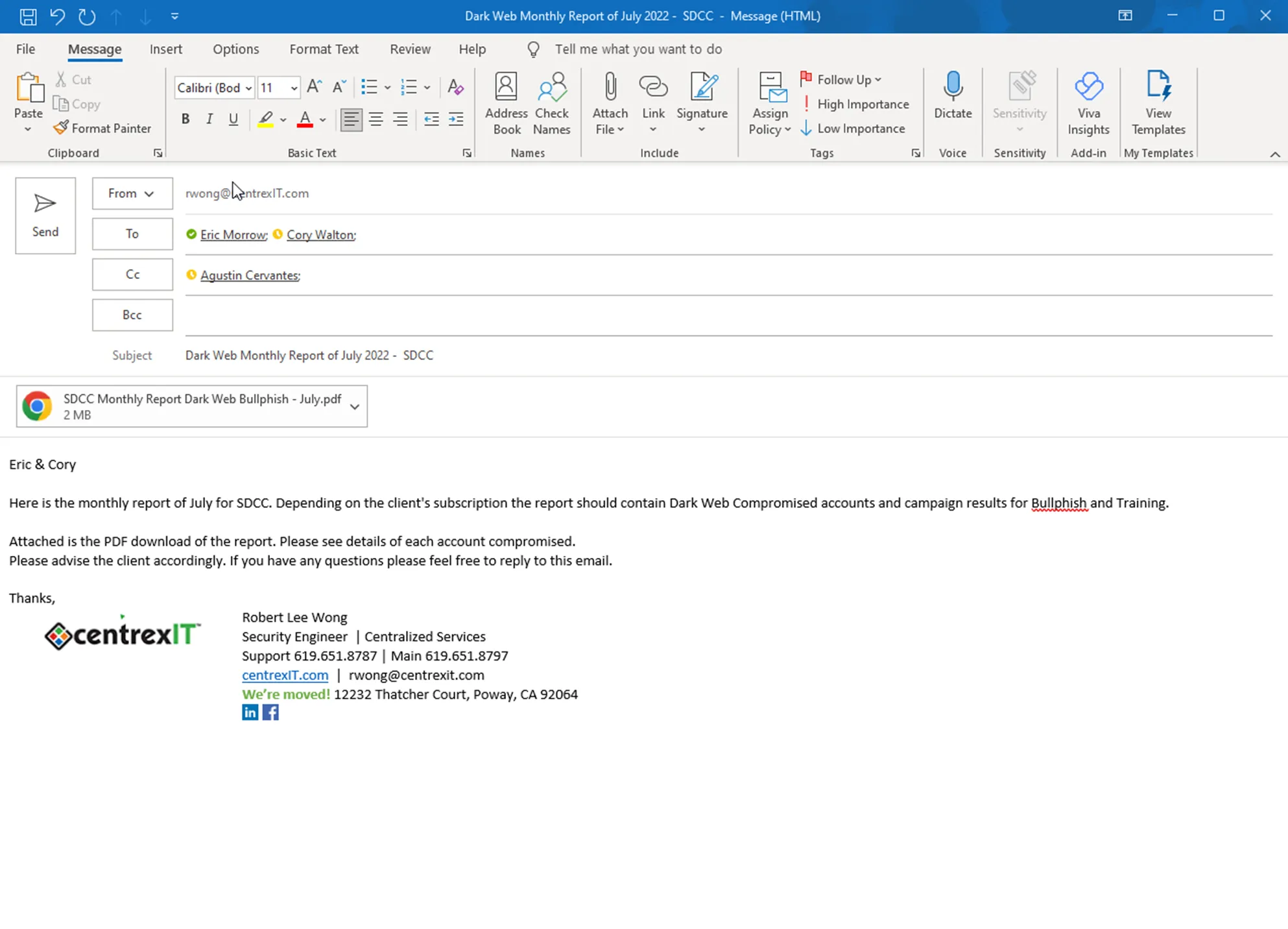
Compose email to vITM and vCIO
Here is a quick template used.
Subject: Dark Web Monthly Report of
Body of Email:
Here is the monthly report of
Attached is the PDF download of the report. Please see details of each account compromised.
Please advise the client accordingly. If you have any questions please feel free to reply to this email.
Thanks,
Here is an example email: