PROCEDURE The purpose of the procedure is to instruct a technician who is assigned to an Incident ticket on best practices to determine urgency and impact in order to determine priority. Once the priority is set, there is a resolution matrix indicating the desired resolution time to meet the client agreement and expectations.
This procedure also includes a glossary of terms needed to support the process.
REQUIREMENTS
Requires knowledge on how to create and update an Incident ticket in Halo.
GLOSSARY
Incident - an unplanned interruption or a reduction in quality of an IT service
Security event - a specific type of incident that involves a risk to a client environment that could potentially affect CIA of a service for a business due to a breach
CIA - Confidentialty, Integrity, Availability
Service level priority - it is the level of priority needed to prioritize how quickly an incident should be resolved. In Halo, based on ITIL standards, the priority is automatically determined through a combination of urgency and impact to a client user ot business.
Urgency - the measure of how quickly a resolution is required
Impact - the measure of the extent of the incident and the potential damage caused by the incident before it is resolved
Service level agreement - is any agreement made between cIT and a client to perform a service in exchange for compensation. In this use case, it is the definition of quickly we should react and resolve an Incident.
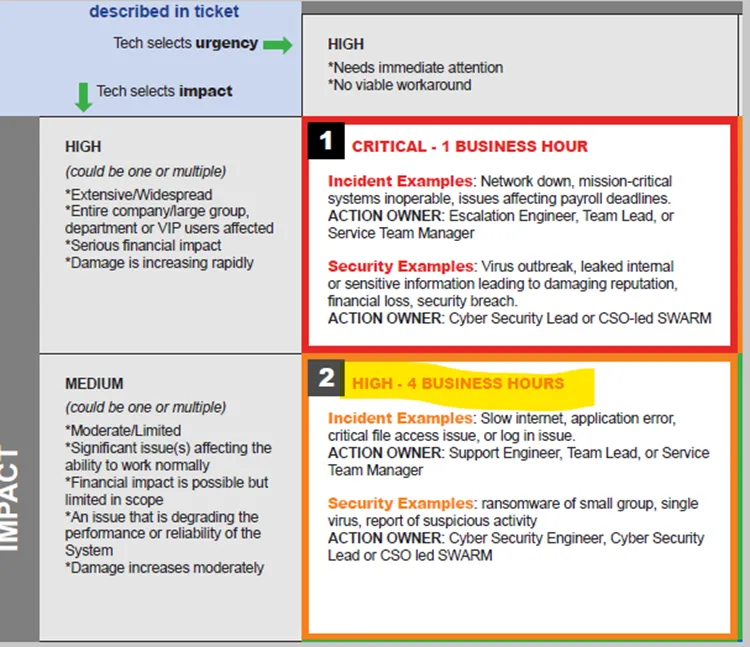
Note: see KB00002887 Service Level Agreement - Priority and Response Matrix for the chart graphic
STEPS
Determine and set the correct priority
1. Service technician will review the request from the client. The request should include notes on how urgently or quickly the job incident needs to be resolved.
2. Service technician should begin by selecting the urgency indicated by the client.
3. Determining the impact requires that the technician understands the full extent of the damage or potential damage.
4. Halo uses the combination of urgency and impact to set the priority.
Note – the priority cannot be changed independently. To change the priority, the tech must determine if the urgency is greater or less than reported, or if the impact is greater or less than originally assumed.
5. See the graphic for examples of each priority to help determine the correct urgency and impact settings.
Example:
This is the intake request from a user experiencing issues with MS Teams.
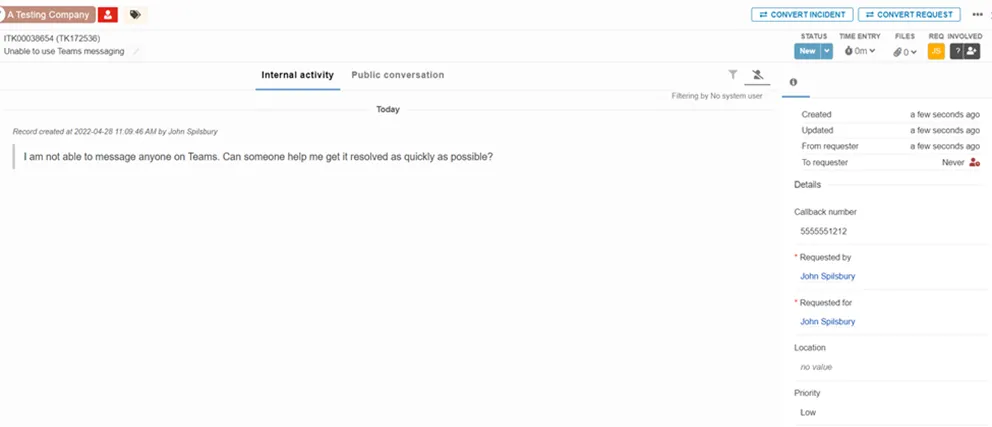
Before the ITK is converted, the priority defaults to “Low”
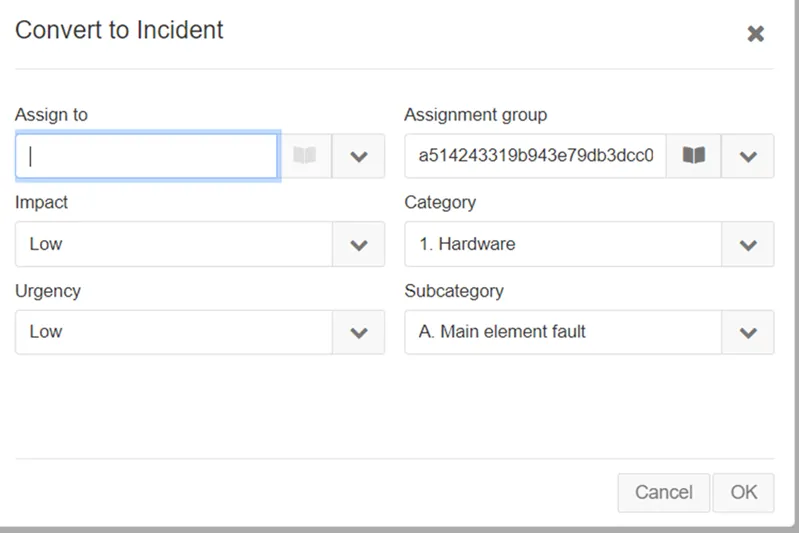
At this point, Tech must select the urgency based on the initial request.
In this example, Urgency needs to set as HIGH because John is a VIP.
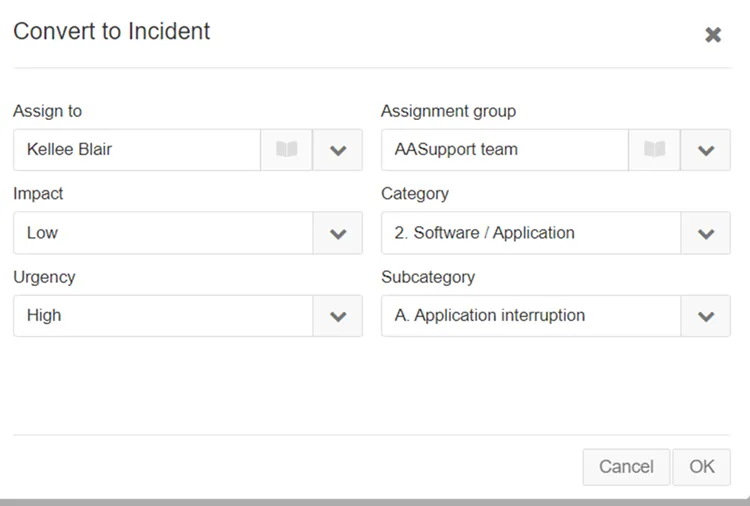
Until full the Tech understands the full extent of the issue, the impact could be set to Low or Medium. Based on this combination, an INC creates a priority set to Medium.
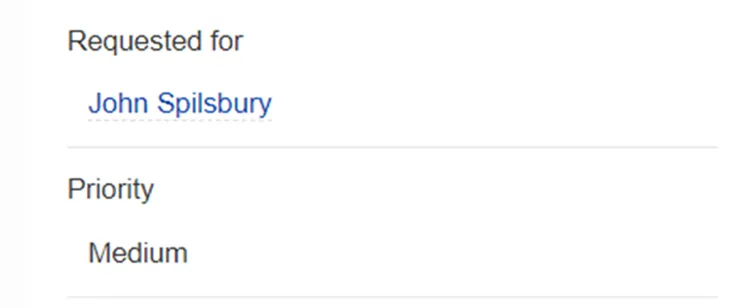
Once the assigned user gets involved, it becomes apparent that the issue is not just with John, the entire organization cannot use MS Teams.
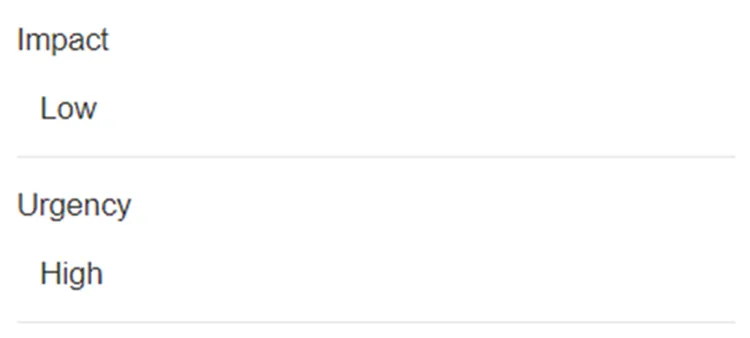
Since the priority is system generated, the Tech must change the impact level. Although not having access to MS Teams is a nuisance, the organization could use other methods of communicating.
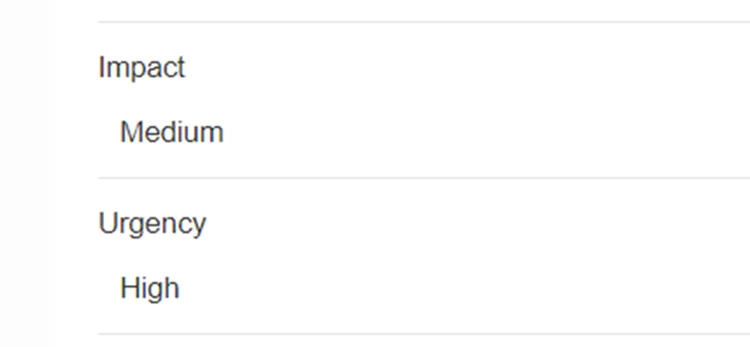
By changing the impact to medium, the priority recalculates to a High.
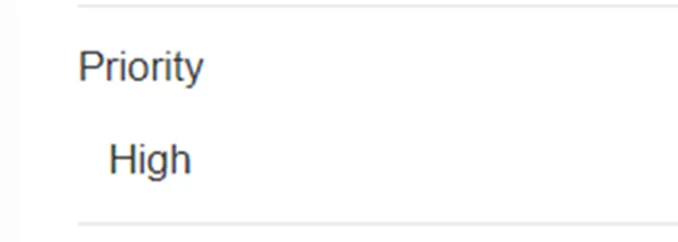
Based on the SLA’s, the time to resolve an INC with a priority of High is four (4) business hours.
REFERENCES
See KBXXXXXXXX for the chart