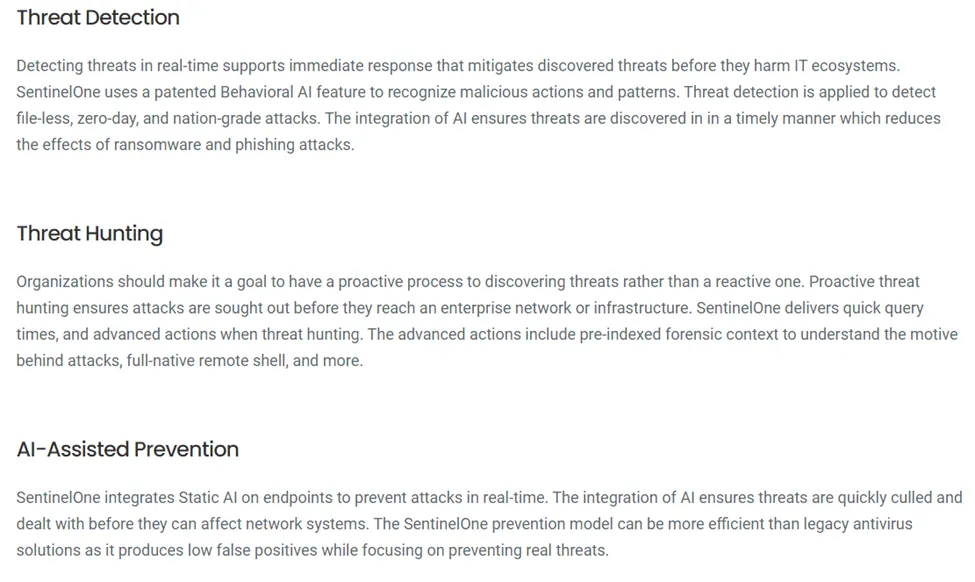

This is an additional service that is offered to clients.
Deployment is automated within NCentral
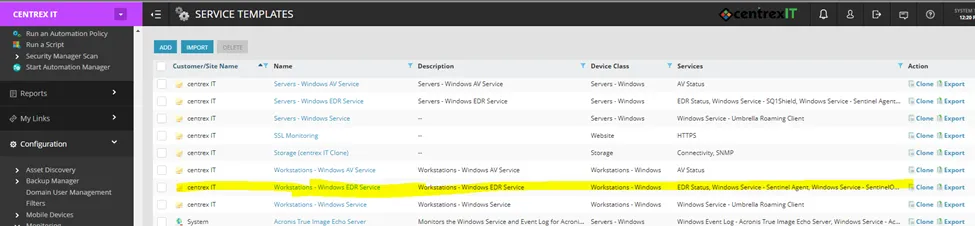
Template created in NCentral has the installer file and monitoring tool in the package.
Devices that have the service will have the associations and can be found within NCentral
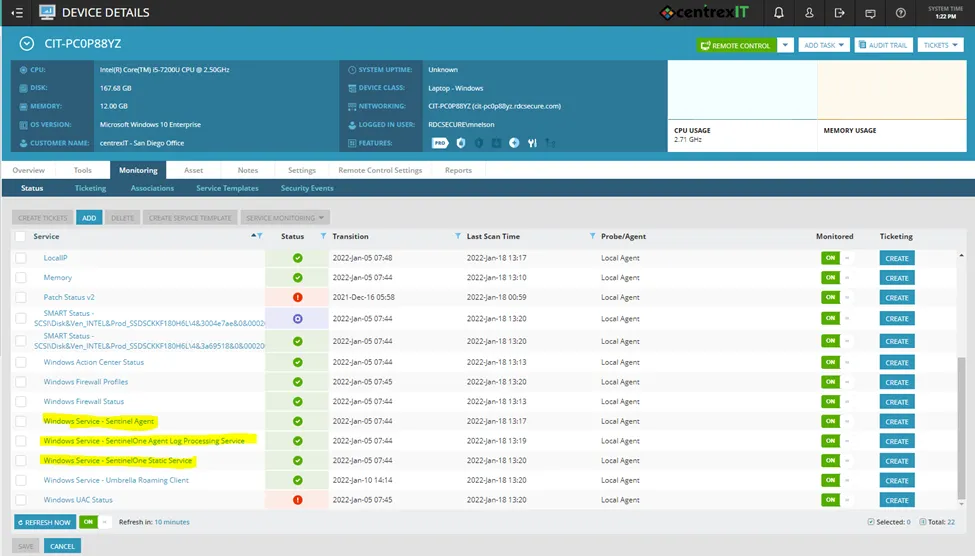
SentinelOne Version
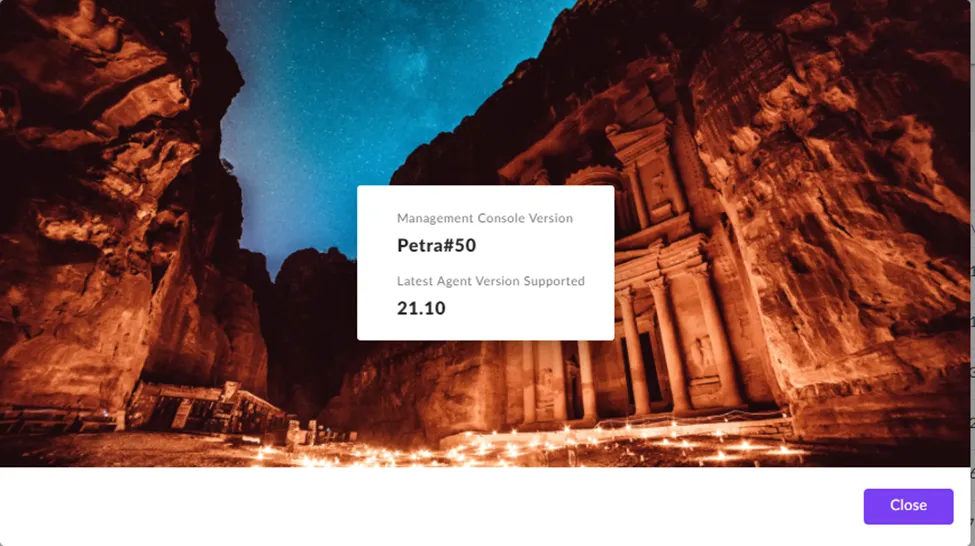
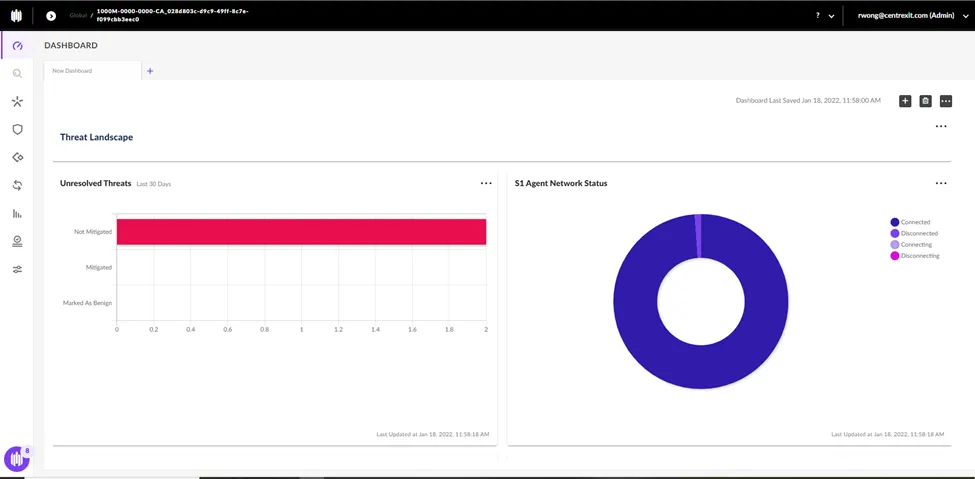
SentinelOne Dashboard
Current Monitoring Displays:
Threat Landscape
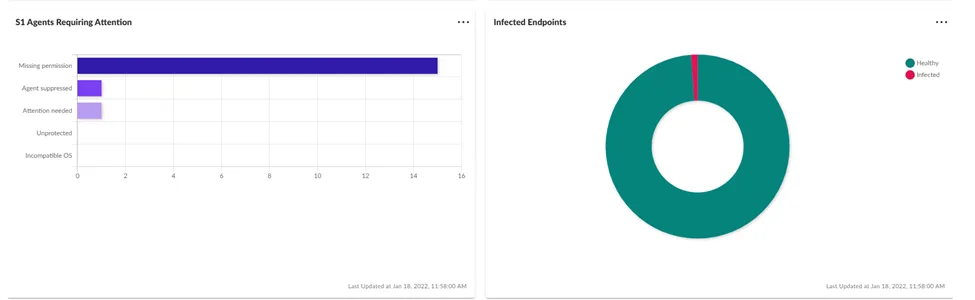
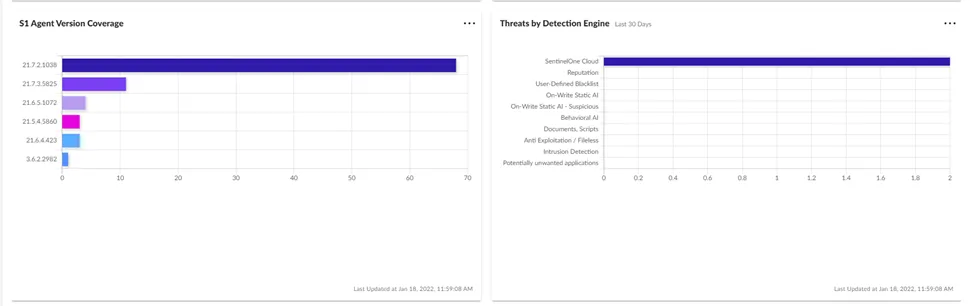
Security Posture
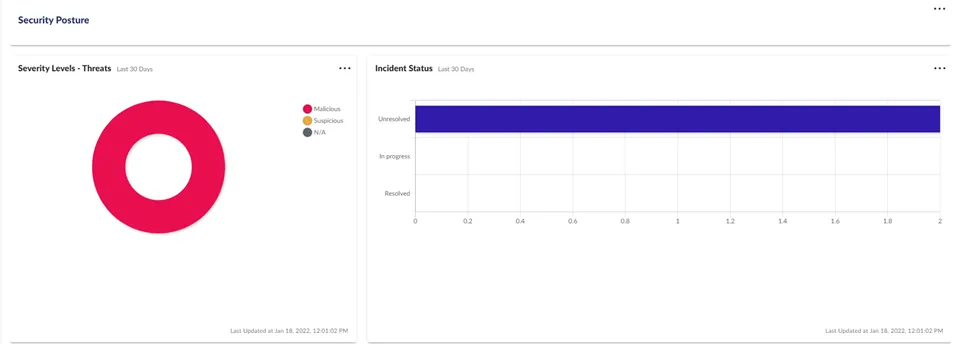
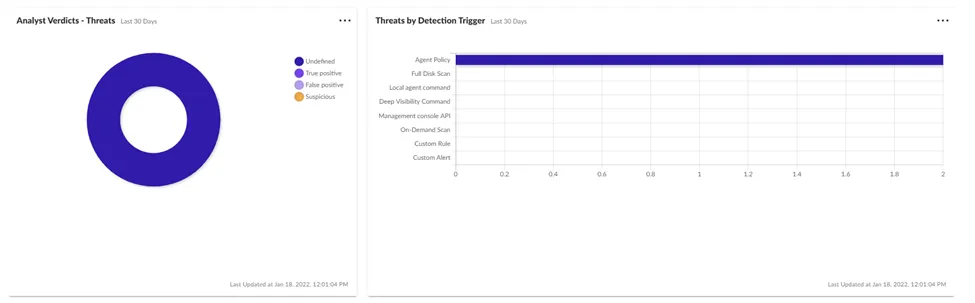

SentinelOne Menus
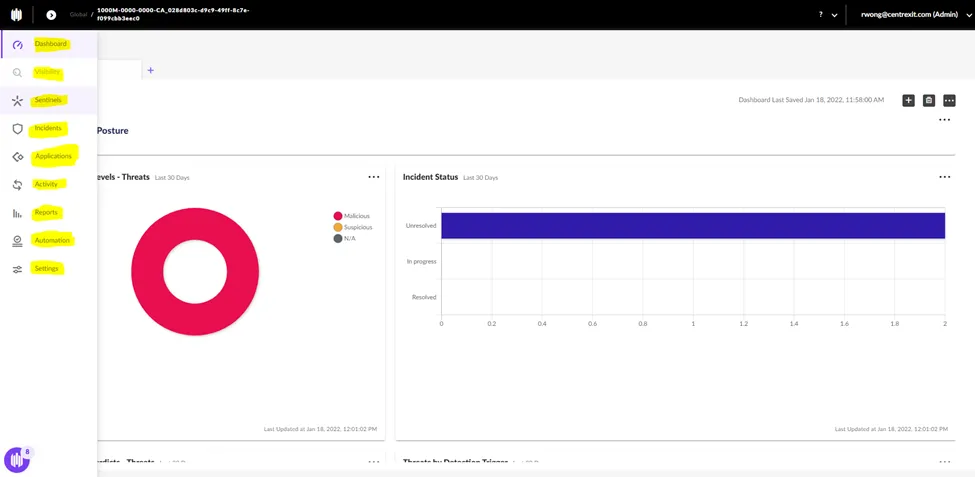
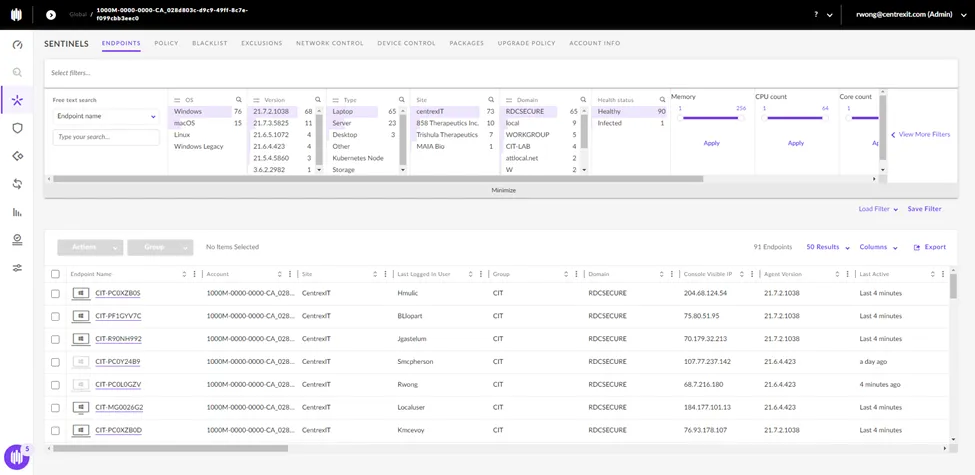
Sentinels - Provides details of each monitored device.
Incidents / Threats – display various incidents/events/detections that occur on different devices.
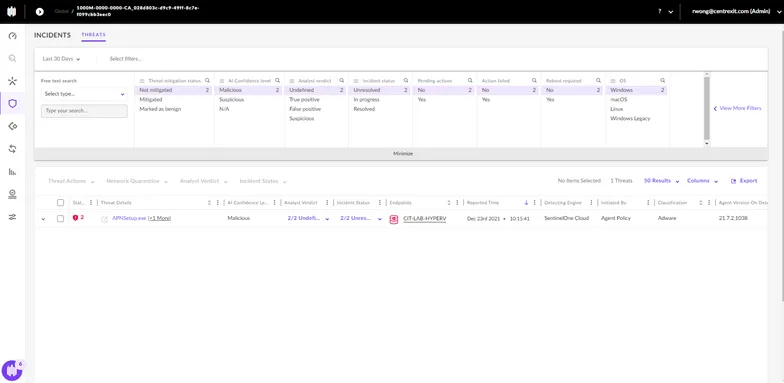
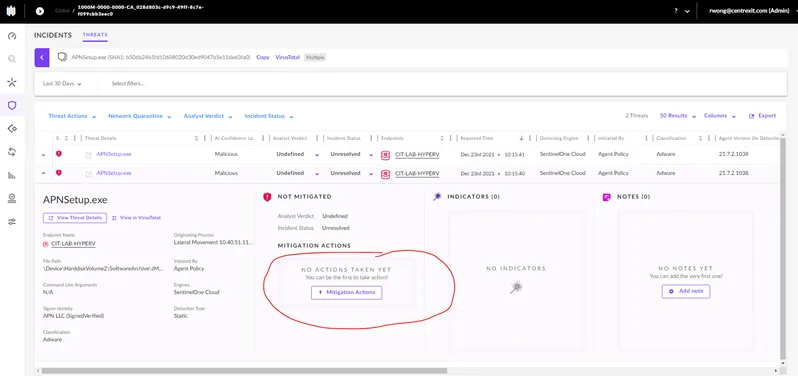
If a detection is found on a device. It will be listed. Details of the threat can be viewed and necessary action can be taken by hitting the Mitigation Action button.
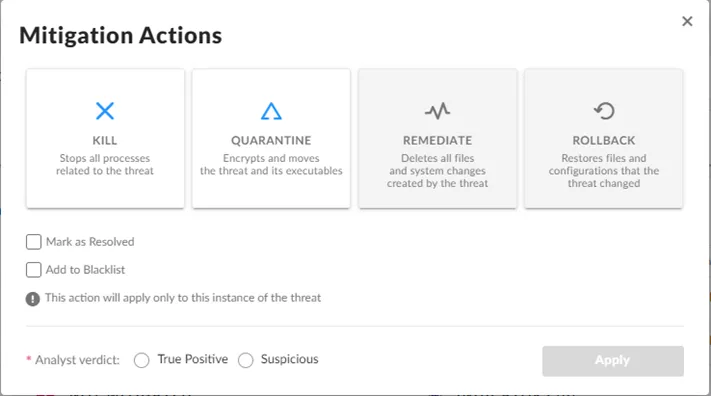
Various options to mitigate will appear available depending on the type of threat.
Applications Menu – Detects different applications that are installed on a device and will provide details on compatibility or vulnerability issues with the machine/computer.
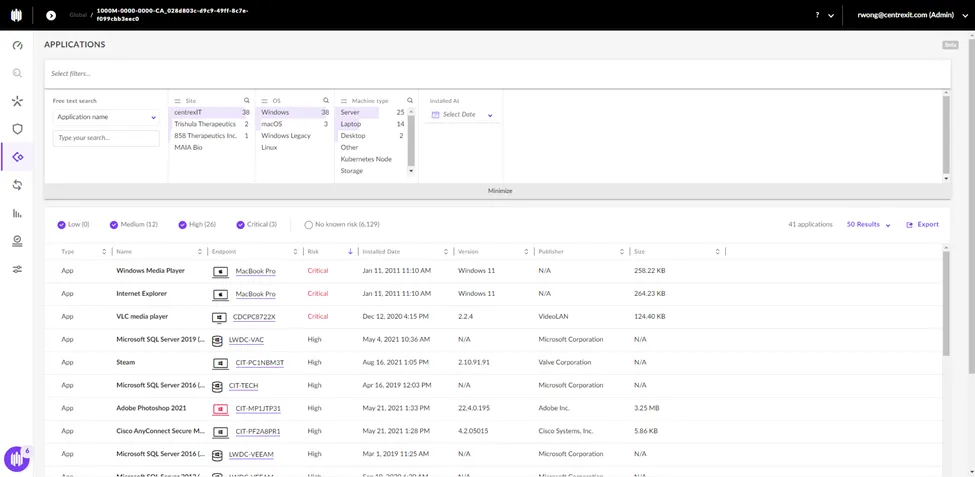
Application summary of what SentinelOne has detected about the application on the device
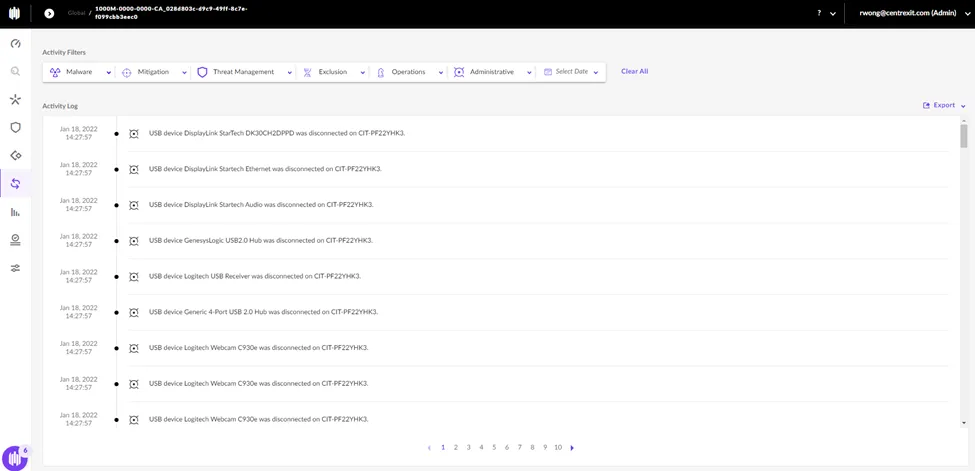
Activity Menu – Event log for any device that is monitored by SentinelOne. Tracks any kind of physical connection, detections/threats, events, etc.
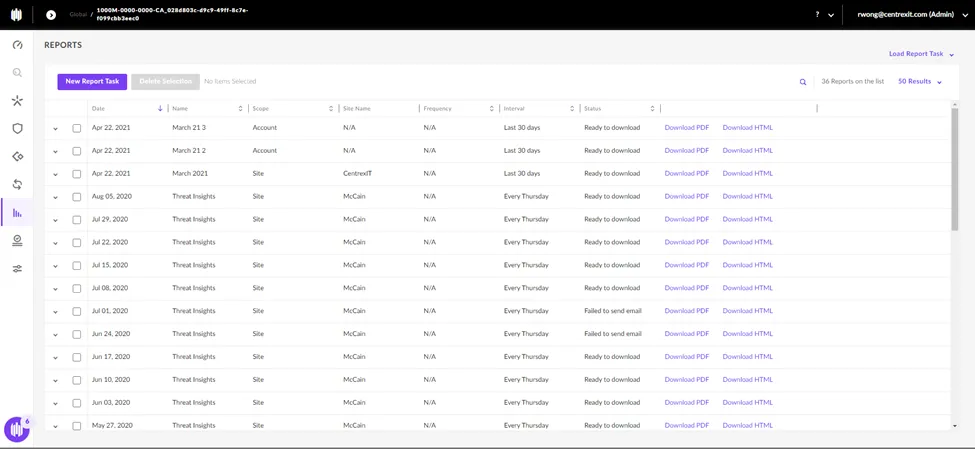
Reports Menu
Automation –
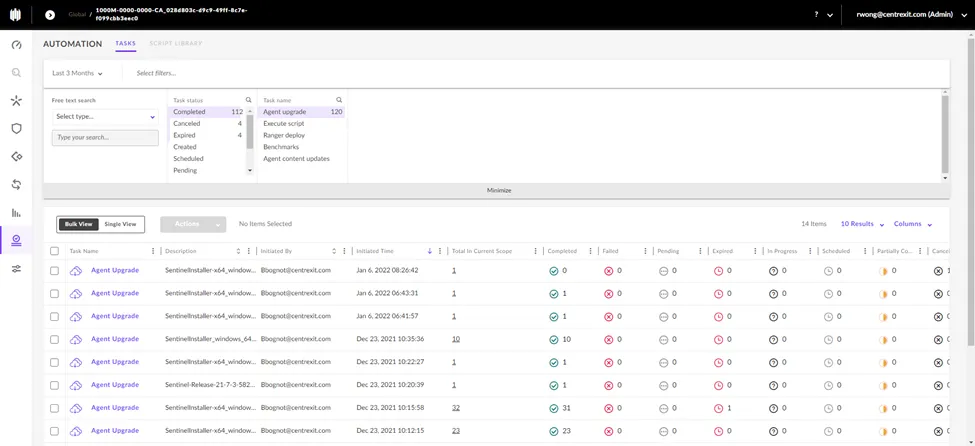
Only been able to automate Sentinel agent upgrades.