-
On your Centrex machine, go to nCentral
-
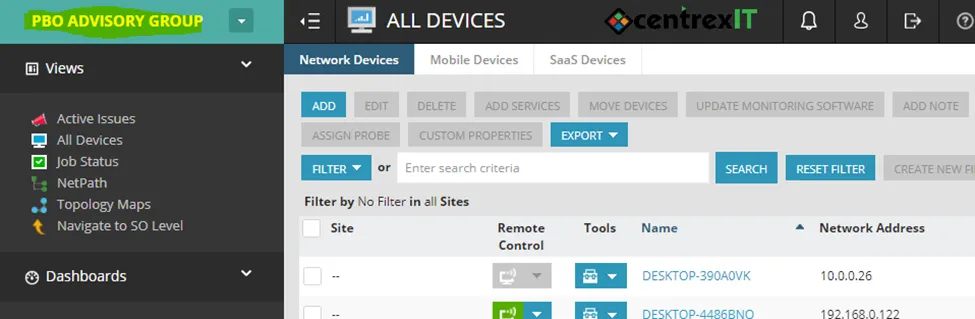
From nCentral, select the client from the drop-down on the left-hand side
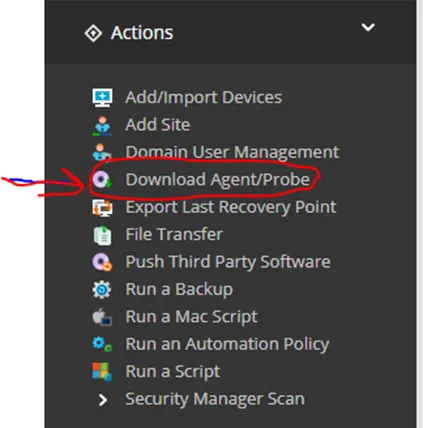
- Select Download Agent/Probe on the left
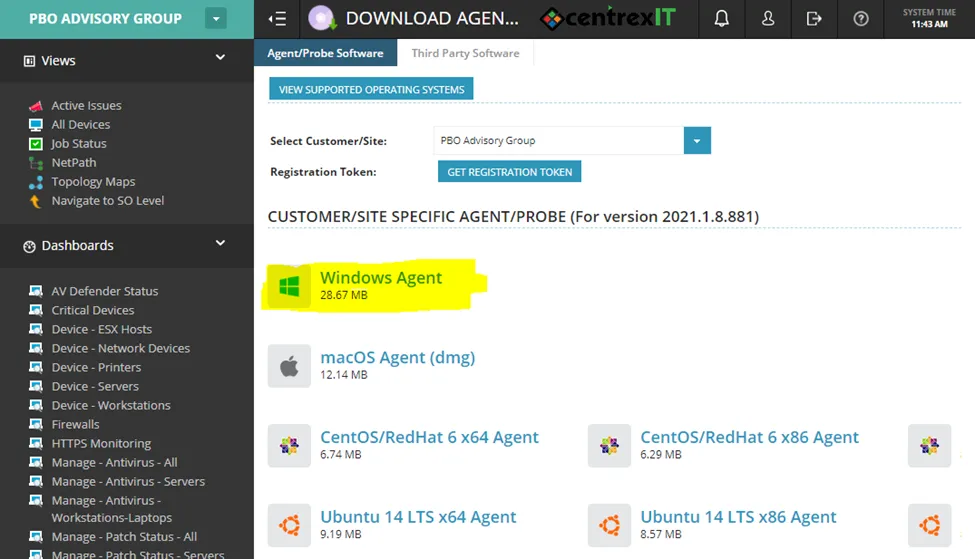
- Download the agent to your computer; if the client has multiple agents (usually due to having multiple sites), confirm that the correct site agent is selected. After this, either drag and drop or copy and paste to the users desktop via a ScreenConnect session. If the file won’t copy over that way, use the option to send a file from the menu in ScreenConnect.
- After the file is installed on the user device, go back to nCentral. There, while still under the client, go to Add/Import Devices on the left-hand side. Check the box for the device on the next screen and select the option to import it. After this completes, it will show up when searching in nCentral.