PROCEDURE
The following is a high-level view of the permissions structure in the Halo platform
REQUIREMENTS
There are no requirements.
STEPS
No steps - general info only.
BASIC PERMISSIONS STRUCTURE:
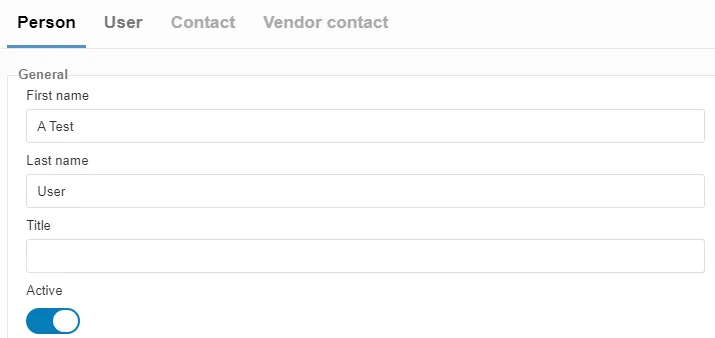
Section titled “BASIC PERMISSIONS STRUCTURE:”- Every employee is set up in the system as Person.
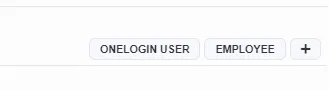
- A schema is added to indicate Person is an Employee (see below)
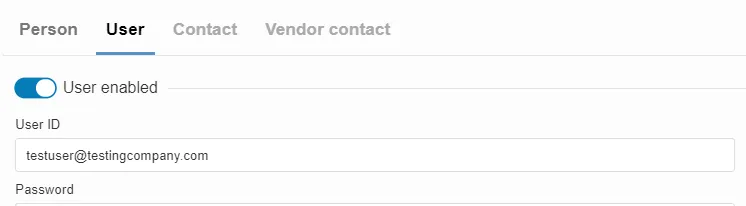
- Every Person is then set as a User with a unique User id. We use the work email address. (see below)
- Each Person is then associated with a Group
- Think of a Group as logical grouping of similar work such as a team, department, committee (see below)
- Each Group is then assigned a Function(s) that grant the Person access to complete the job expected of that Function. (see Halo Permissions Structure_Permissions)
Examples:
Person
User:
Employee schema added: