To reset your voicemail pin, perform the following steps:
-
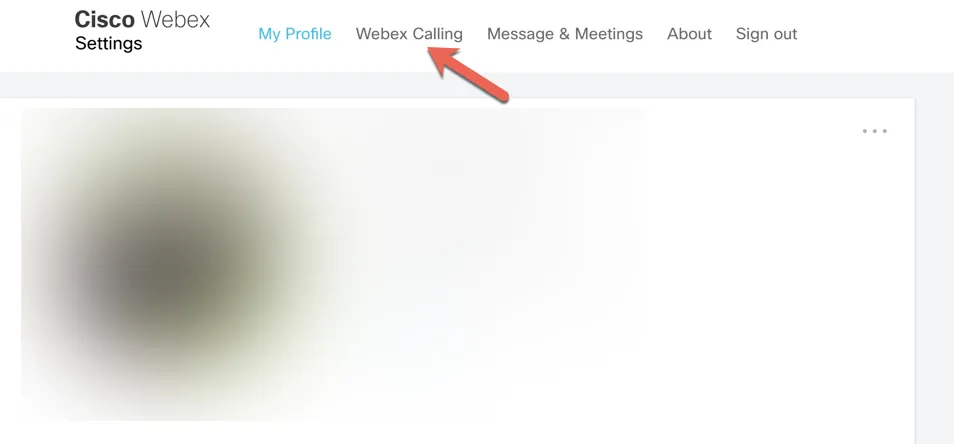
Select Webex Calling
-
-
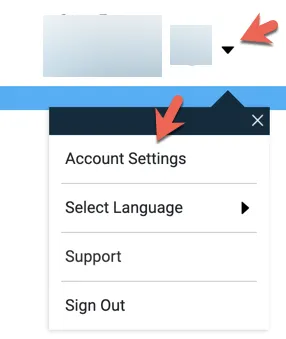
In the top right corner, click the dropdown arrow on the circle with your initials & select account settings
-
-
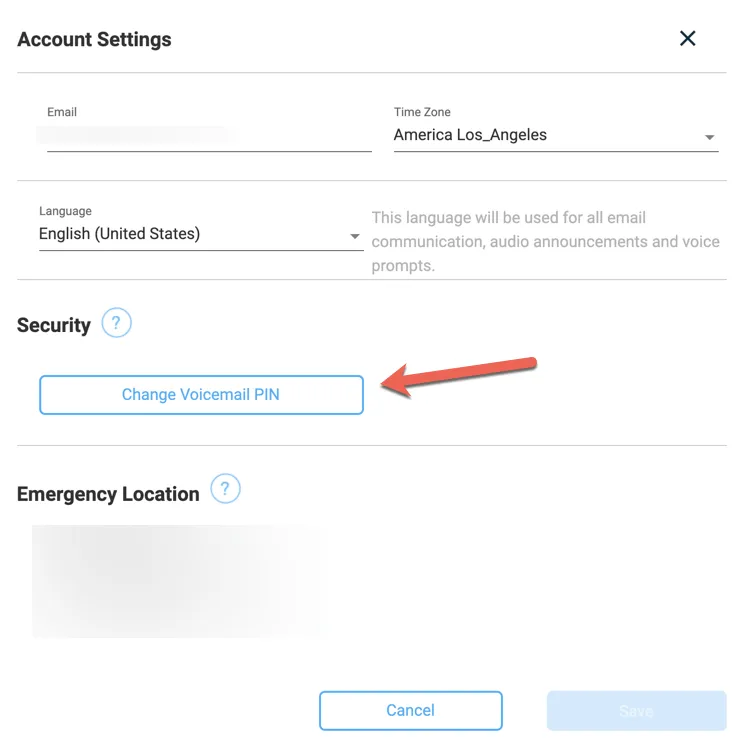
Select Change Voicemail PIN
-
-
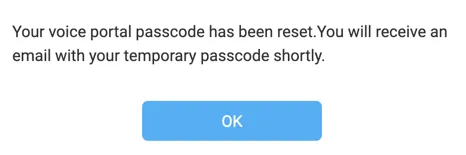
You will receive a notification that your passcode has been reset and a temporary passcode will be sent to you.
-
-
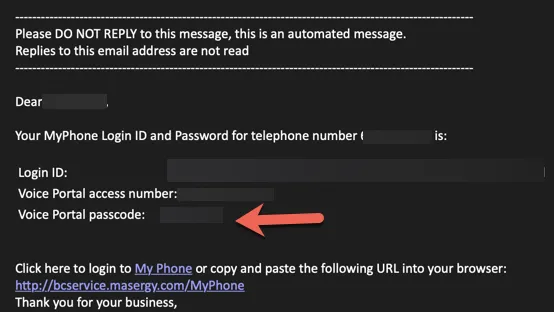
In the email, it will contain a Login ID, Voice Portal Access Number, & Voice Portal Passcode. The only item you need is the passcode.
-
-
From your soft phone, launch voicemail and enter your temporary passcode.
-
You will be required to change the temporary passcode immediately.