Instructions for pulling radio recordings from HLE Recorder:
Connect to Server GSC-HLERECORDER
Sign in as the Local User
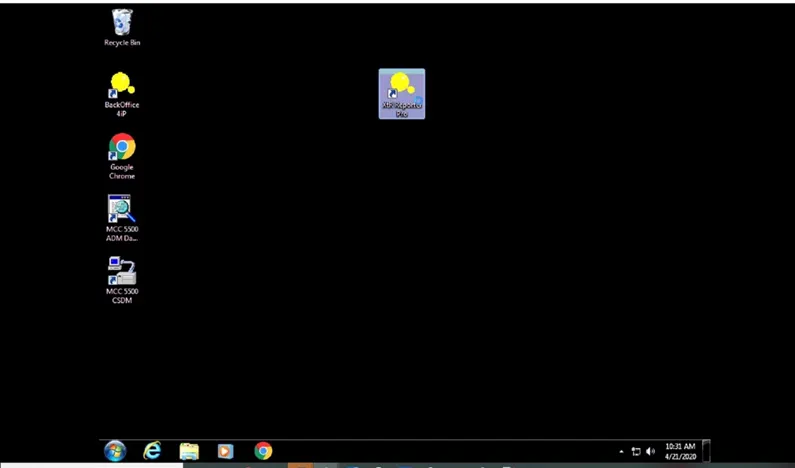
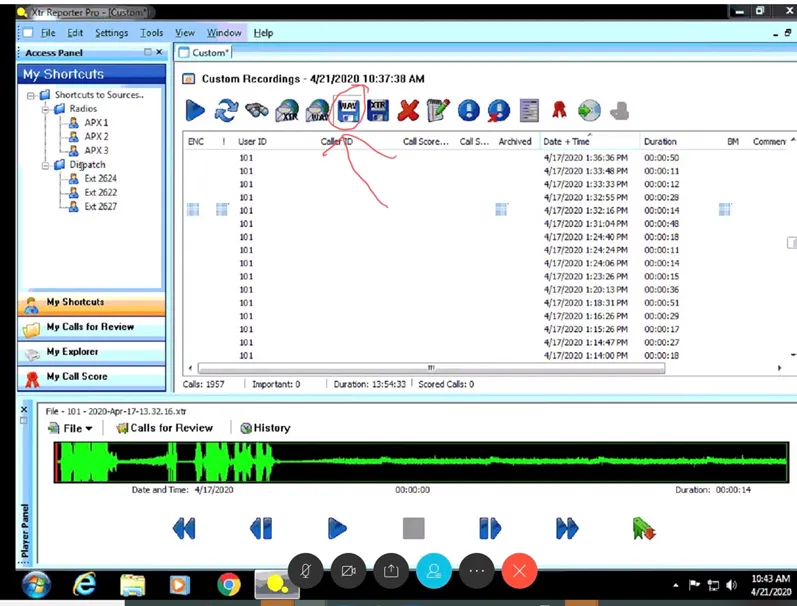
Select XTR Reporter Pro
If the pop-up box to select report range does not open:
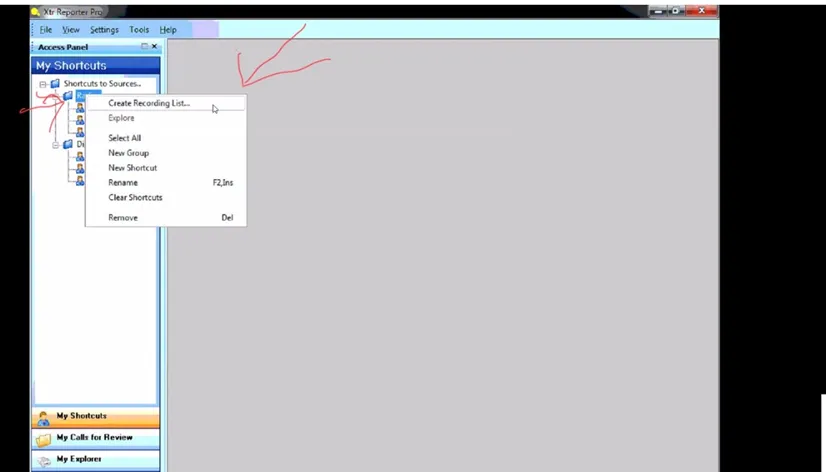
Right-click on Radio folder in the shortcut bar and select “Create Recording List”
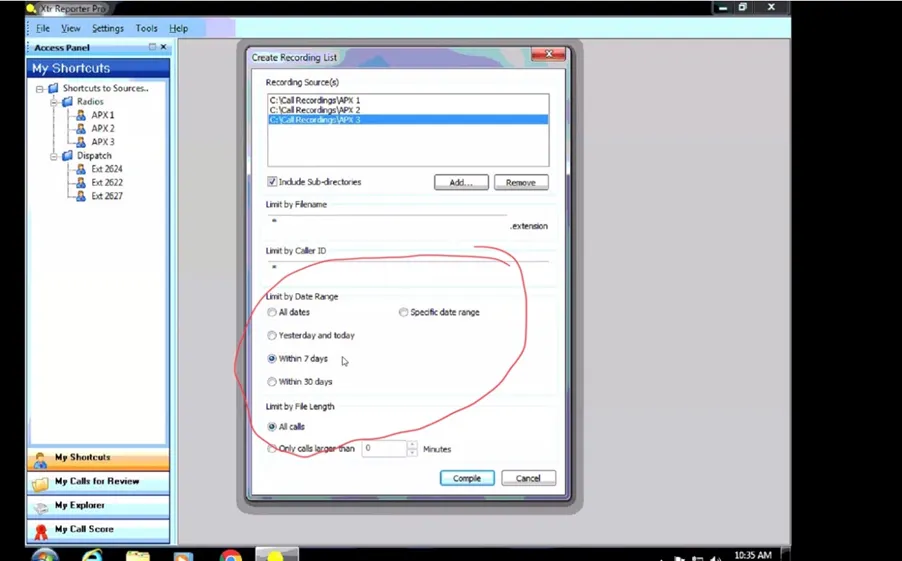
Select Date range
Find desired recording in the recordings list
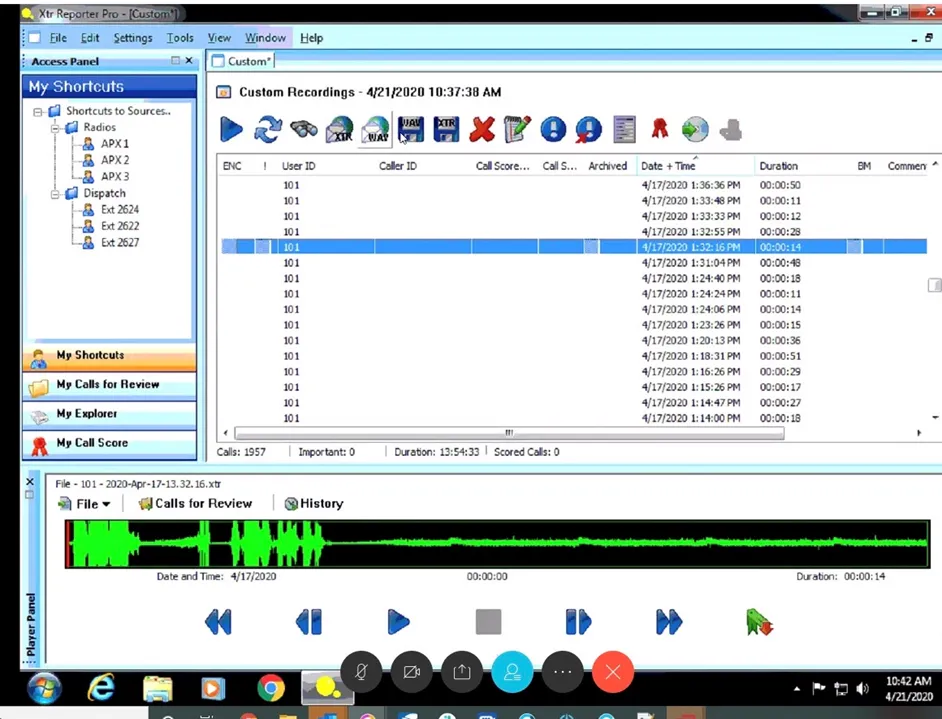
Select the blue floppy disk icon marked WAV to save the files
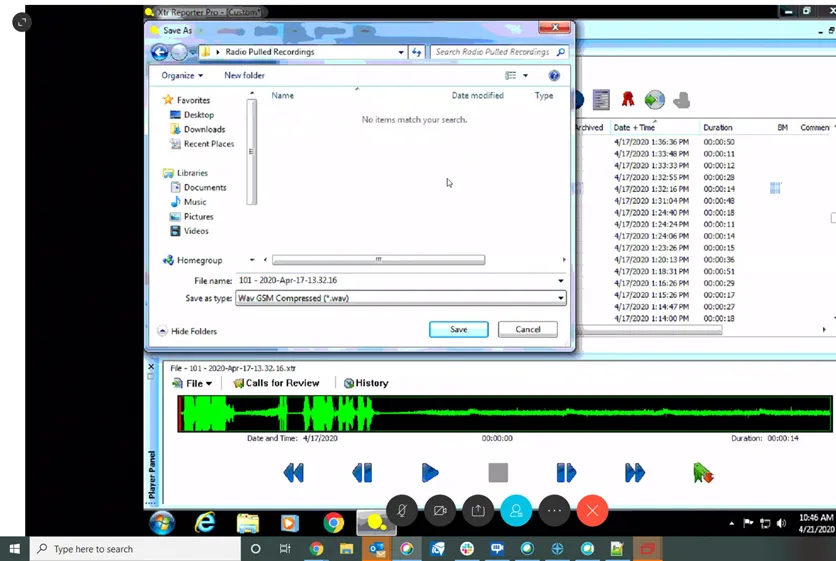
Save the file to the folder “Radio Pulled Recordings”
Currently, in order to give files to a supervisor for review, they must be placed on a removable media such as a flash drive from the server