Purpose:
Section titled “Purpose:”To standardize training on SentinelOne
Scope:
Section titled “Scope:”Service Desk, NOC, SOC
Responsibility:
Section titled “Responsibility:”SOC
Definitions:
Section titled “Definitions:”Procedure:
Section titled “Procedure:”- Confirm Access
- Confirm you have access to N-Able Resource Center, https://me.n-able.com
- If you do not have access, contact Josh Hohbein or Sean Ernst
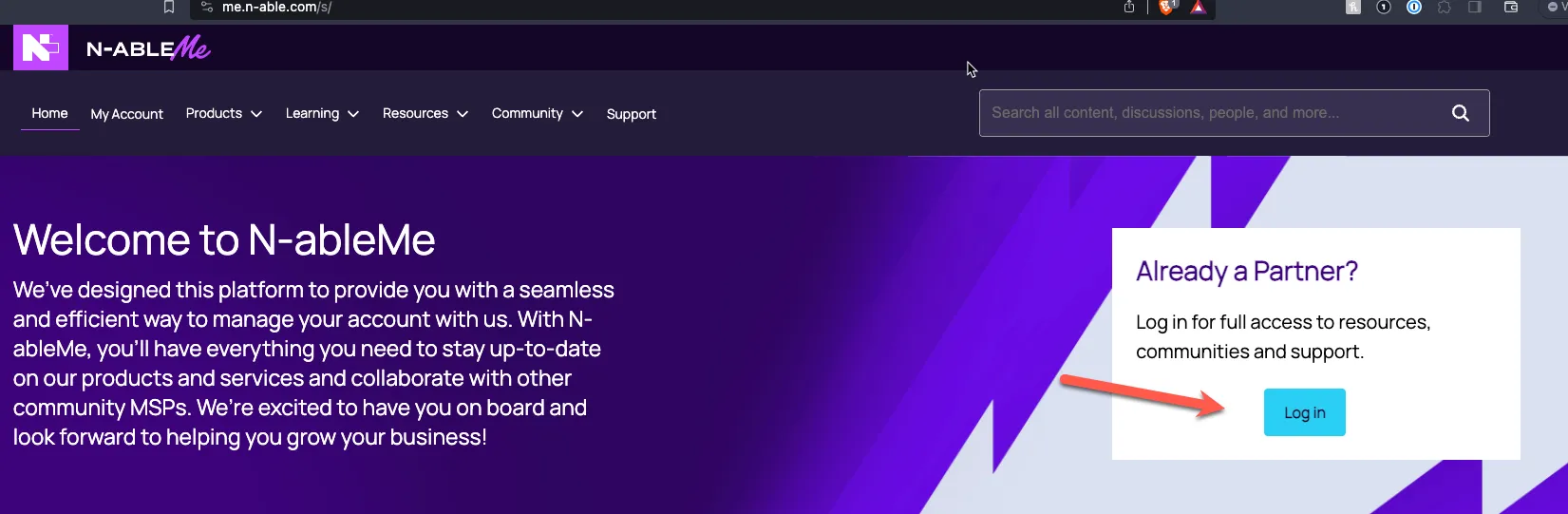
- Select Course
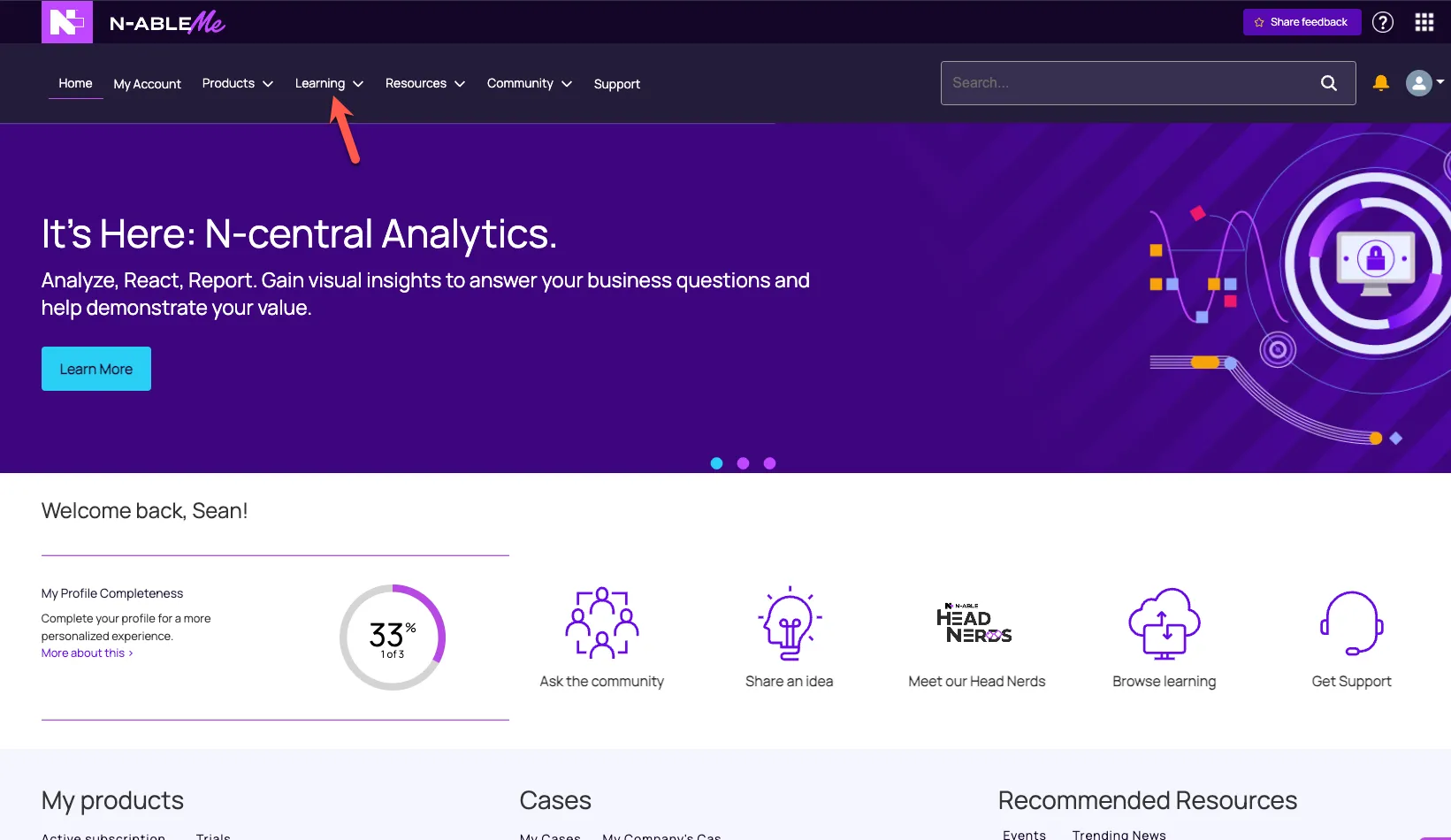
- Once you get logged into https://me.n-able.com
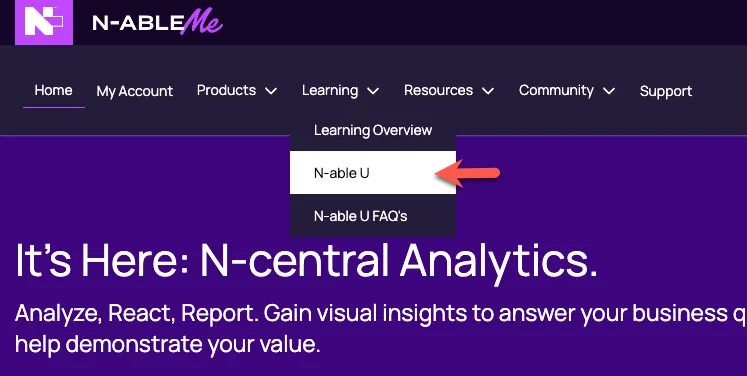
- Select the learning Tab & then select N-Able U
-
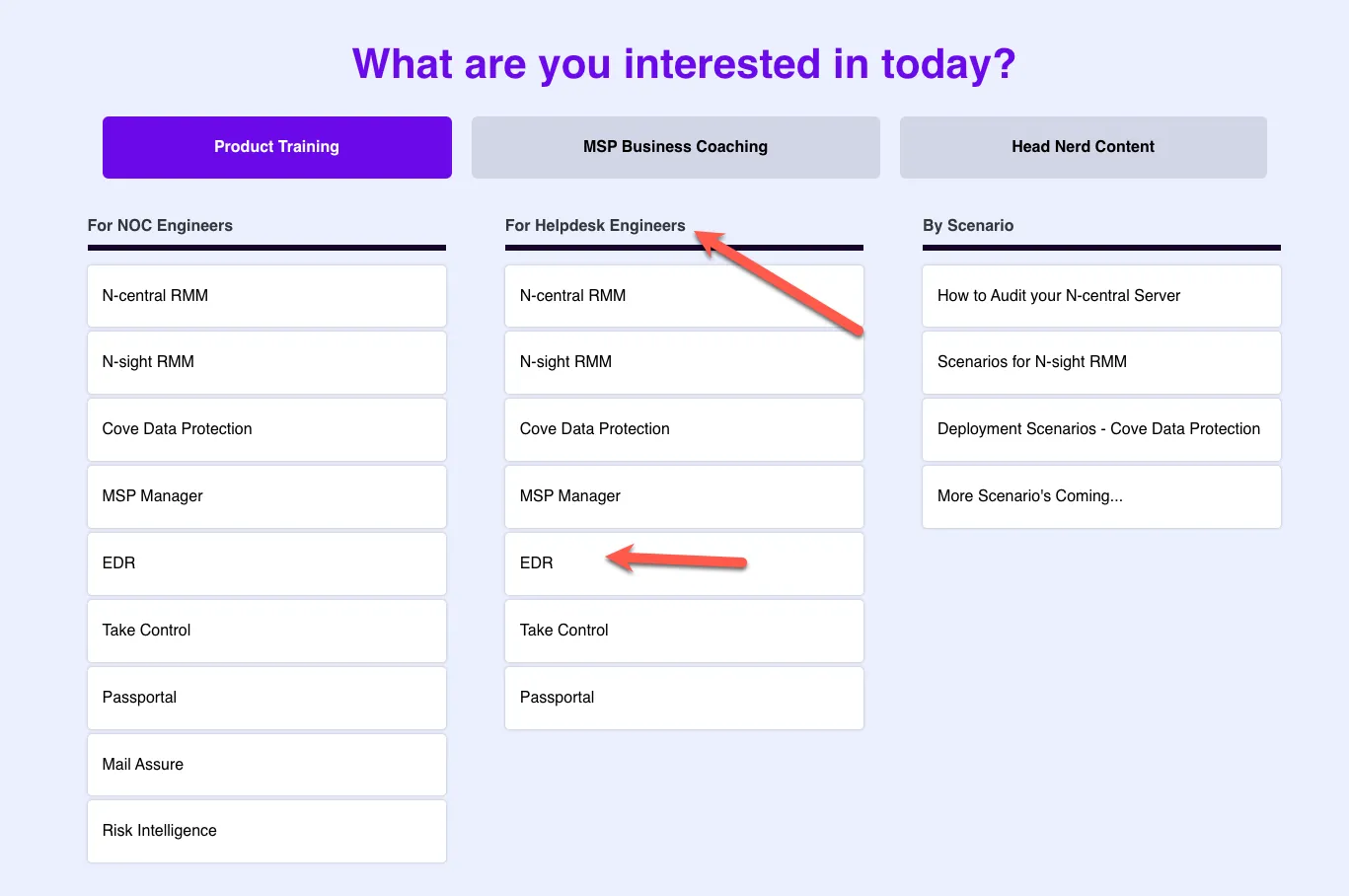
- In the center menu bar under Helpdesk Engineers, select EDR
- Select the option to “Start the Course” or “Continue to Course” if you have started and are returning to it.
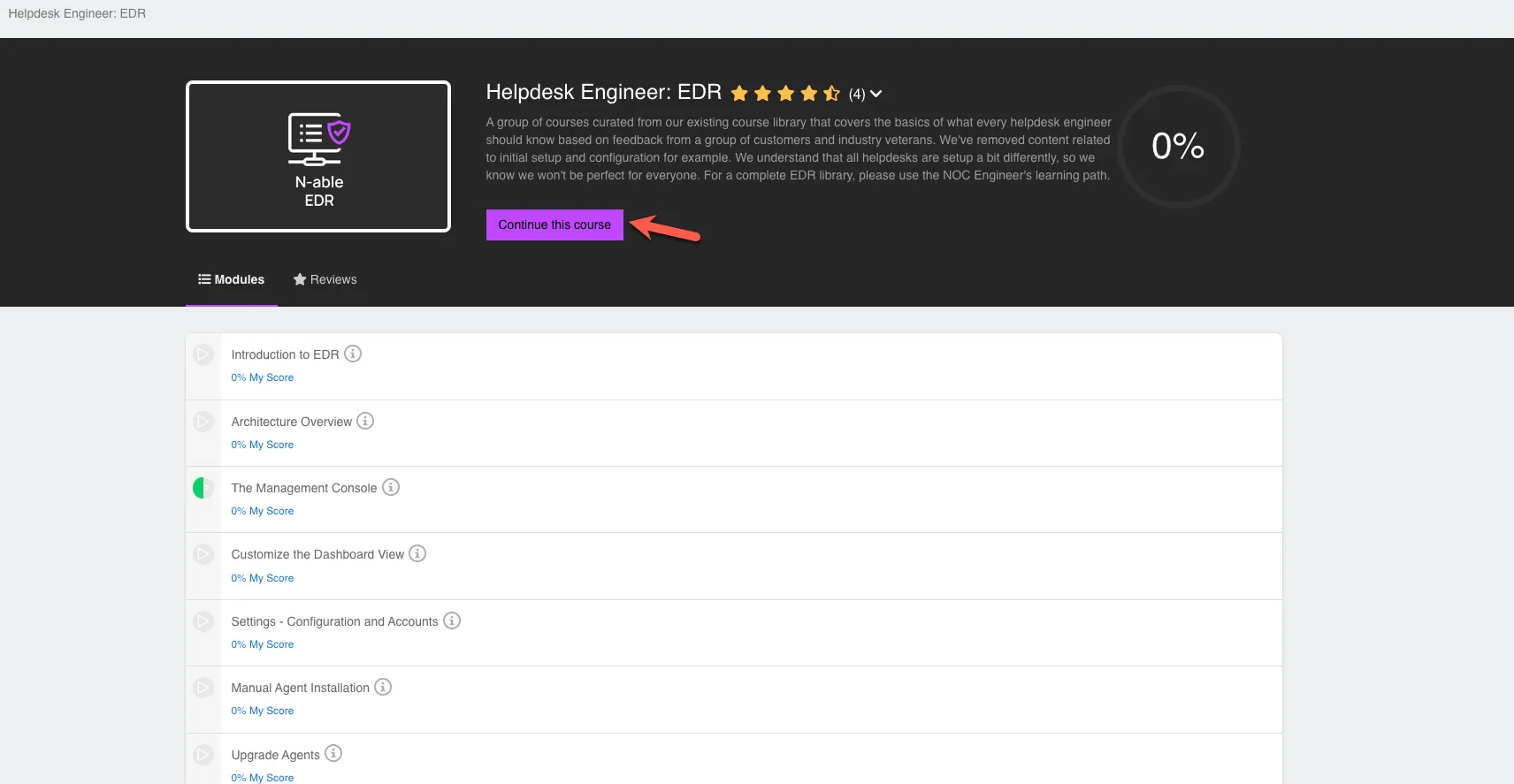
- Once completed, please contact Josh for further questions and to confirm your access to SentinelOne console.
Effectiveness Criteria:
Section titled “Effectiveness Criteria:”- Take screenshot of completion of training course and provide to Josh for record management.
References:
Section titled “References:”Process References:
Section titled “Process References:”- Link to process map.
Note: Please add KB relationships to core process, process. SOPs or other WIs on the right.