Webinars are online educational seminars featuring an expert or panel of experts discussing a topic. The purpose of holding a webinar is to:
- Educate a target audience on the material
- Showcase a speaker or organization as a thought leader on a topic
- Gain leads
This article will discuss the high-level steps of how to plan a Webinar from start to finish and hand-off any leads to Sales.
Identify Target Audience
Section titled “Identify Target Audience”The first step to webinar planning is to identify the target audience. This will determine who, if any, other speakers/organizations you invite to participate with you in the webinar are, as well as the channels you use to advertise the webinar.
Identify Topic of Webinar
Section titled “Identify Topic of Webinar”The webinar topic should be something your target audience needs or is interested in.
Identify Additional Panelists
Section titled “Identify Additional Panelists”Other speakers or organizations you invite to participate with you in the webinar should attract your target audience by providing insight into your topic. Additionally, you can invite a panelist that you know is able to promote to the same target as you. For instance, if your target is SMBs and Panelist A has a large network of SBM connections,
Set the details of the Webinar
Section titled “Set the details of the Webinar”Chose a name, date, time and location for the webinar. These details will be used during the marketing campaign. Additional logistical details, such as how attendee registration will be captured and who will capture and distribute it, is also something that needs to be set at this stage.
Plan the marketing campaign
Section titled “Plan the marketing campaign”The marketing campaign should communicate the Webinar details to your target audience.
Follow-up with attendees and registrants
Section titled “Follow-up with attendees and registrants”Once the webinar is complete, a “thank you for attending” notification with any appropriate sales materials (handouts, recordings, etc) should be send to attendees.
Sales Follow-up
Section titled “Sales Follow-up”Sales follows up with attendee list 3-4 weeks after webinar is completed using a tracked sequence through Hubspot formatted to look like a regular email (not glossy marketing email)
Example
Section titled “Example”centrexIT has decided to do a co-webinar with PBO. Both companies are outsourced service providers (non competing) and have similar target audiences that can benefit from both of their services. Attendees from one company’s contact list can easily become a customer of the other company.
centrexIT and PBO meet and determine the following details of the webinar:
- Speakers
- Date & Time
- Webinar title & subject matter
- Location
PBO will send invitations to their mailing list. centrexIT will send invites to their mailing list. PBO is hosting the webinar Online and will create a registration page with a description agreed upon by both companies. Biographies of the speakers are exchanged and sample questions written. PBO will also deliver the registration list to centrexIT when the webinar is complete.
centrexIT will advertise the webinar to their contact list. Here is the schedule:
- 2 weeks before webinar: Social media post and email invite with details
- 1 week before webinar: Social media post and email invite with details
- Week of webinar: Social media post and email invite with details, then a reminder the day-of
- Week after webinar: Follow-up with registrants with webinar link
Additional possibilities for advertisement include: Google ads, personal invites from Sales and Marketing team, posting on centrexIT website, etc.
Graphics and Communication Preparation:
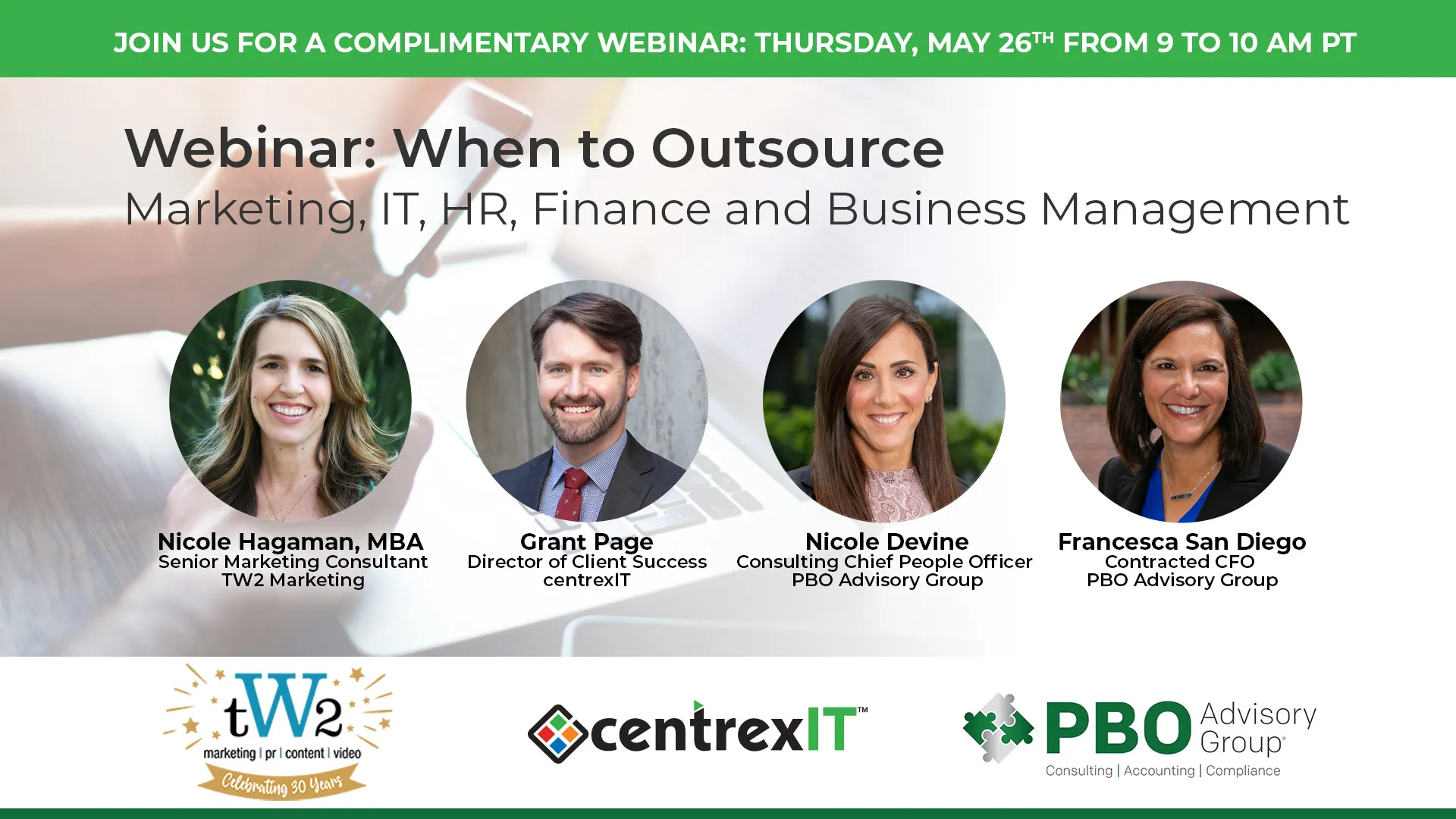
Section titled “Graphics and Communication Preparation:”Social media posts - graphics formatted to 1920x1080 (LinkedIn/Facebook) and 1080x1080 (Instagram) or current format for platform. Include date & time of webinar, related image, possibly photos of speakers. Post describes content of webinar. Encourage team members to share the Social Media posts.
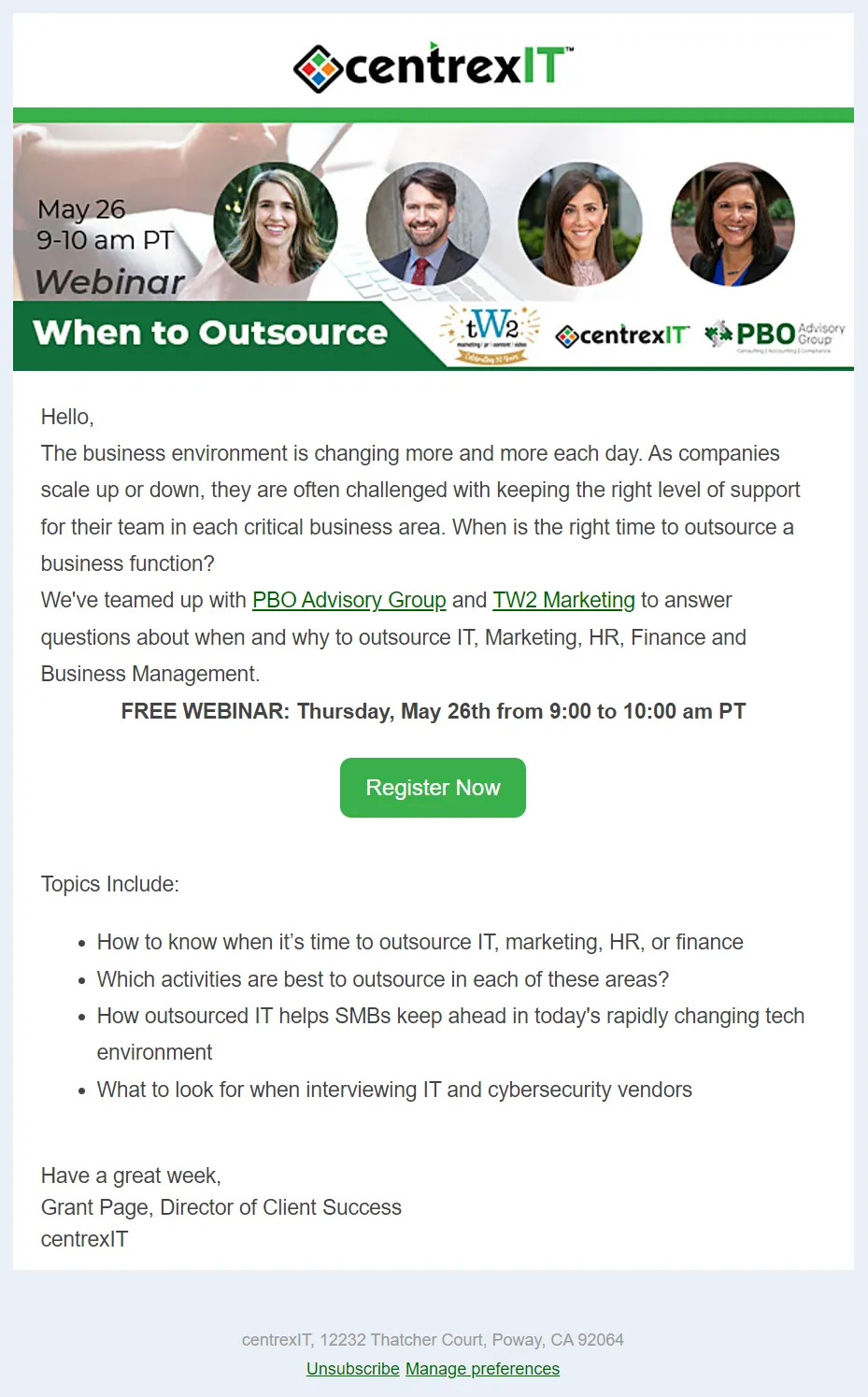
Emails - Email header formatted to 600 width (Hubspot recommended width for emails). Email contains all webinar information and link to registration page. Each follow-up email should have a different subject line and the email content should be re-worded. Email sample below.